
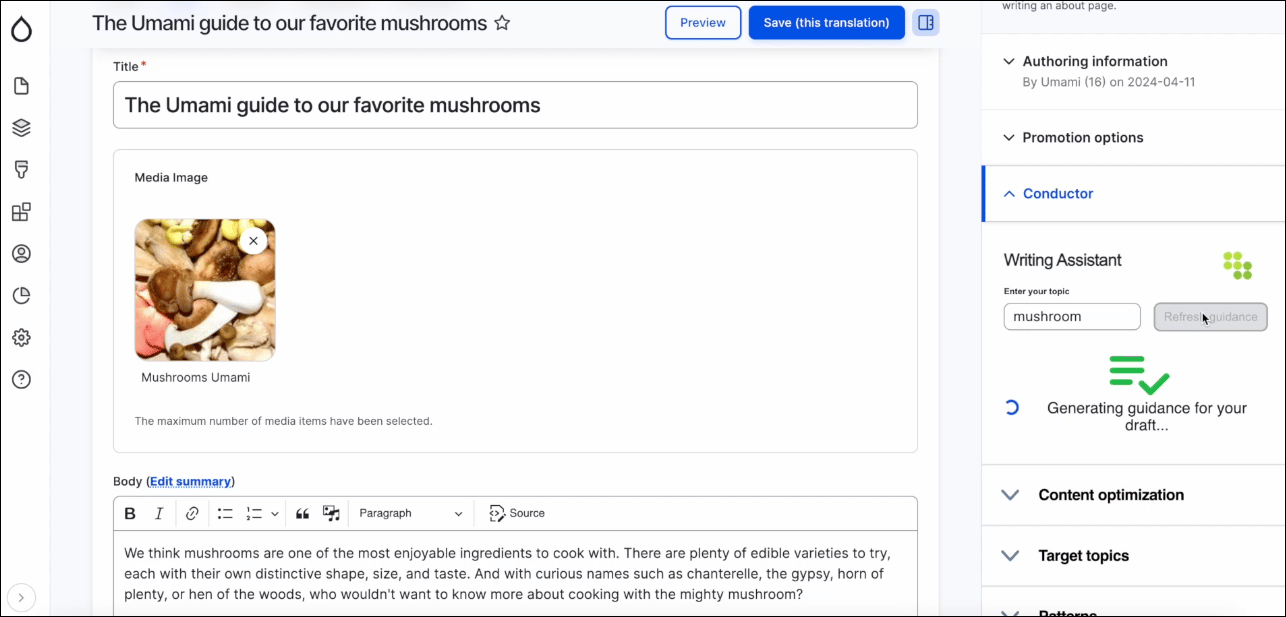
Add the Conductor module to your Drupal instance
To add the Conductor module, you’ll need to follow your organization’s processes for adding modules to Drupal. You can find documentation for adding this module on Drupal’s site.Get your API Key and Shared Secret
To set up this integration, you’ll need an API Key and Shared Secret from your Conductor account.- Fill out the Activate your integration form on this page to allow access to configuring the module.
- In Conductor, go to the API activity (Integrations > API) or click here.
- Copy your API Key and Shared Secret.
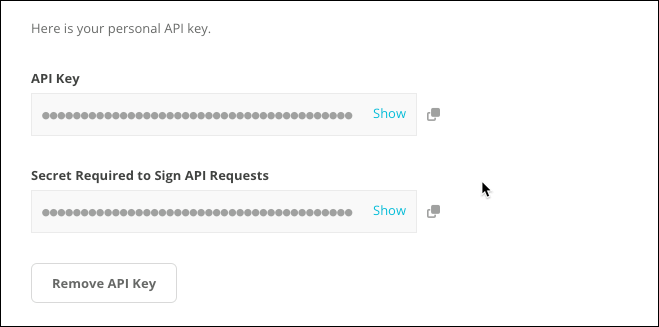
- If you have previously generated an API Key and Shared Secret, you can click to copy them.
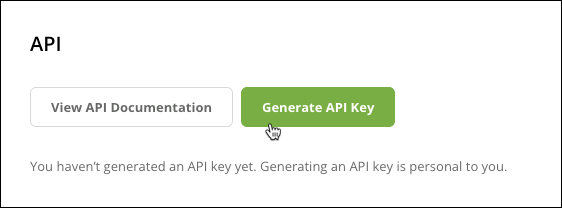
- If you have not previously generated an API Key and Shared Secret, click Generate API Key.
- If you have previously generated an API Key and Shared Secret, you can click to copy them.
Configure the Conductor module in Drupal
After the module is added to your Drupal instance and you have received your API Key and Shared Secret, you’ll need to set up the connection between your Conductor account and Drupal.- In Drupal, go to Manage > Configuration.

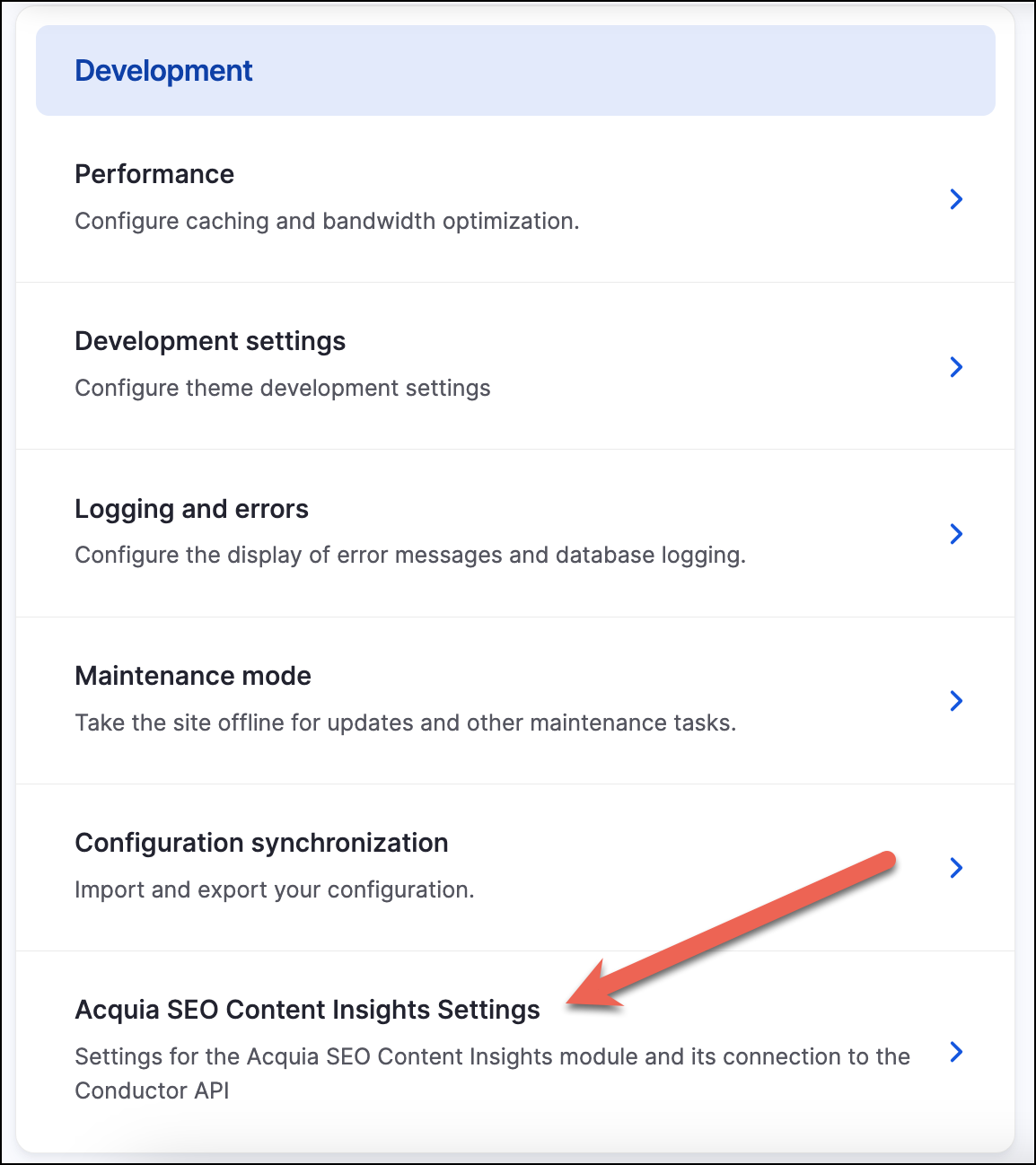
- In the Development section, click to open Acquia SEO Content Insights Settings.
- In the Acquia SEO Content Insights Settings screen, enter your API Key and Shared Secret in the relevant fields.
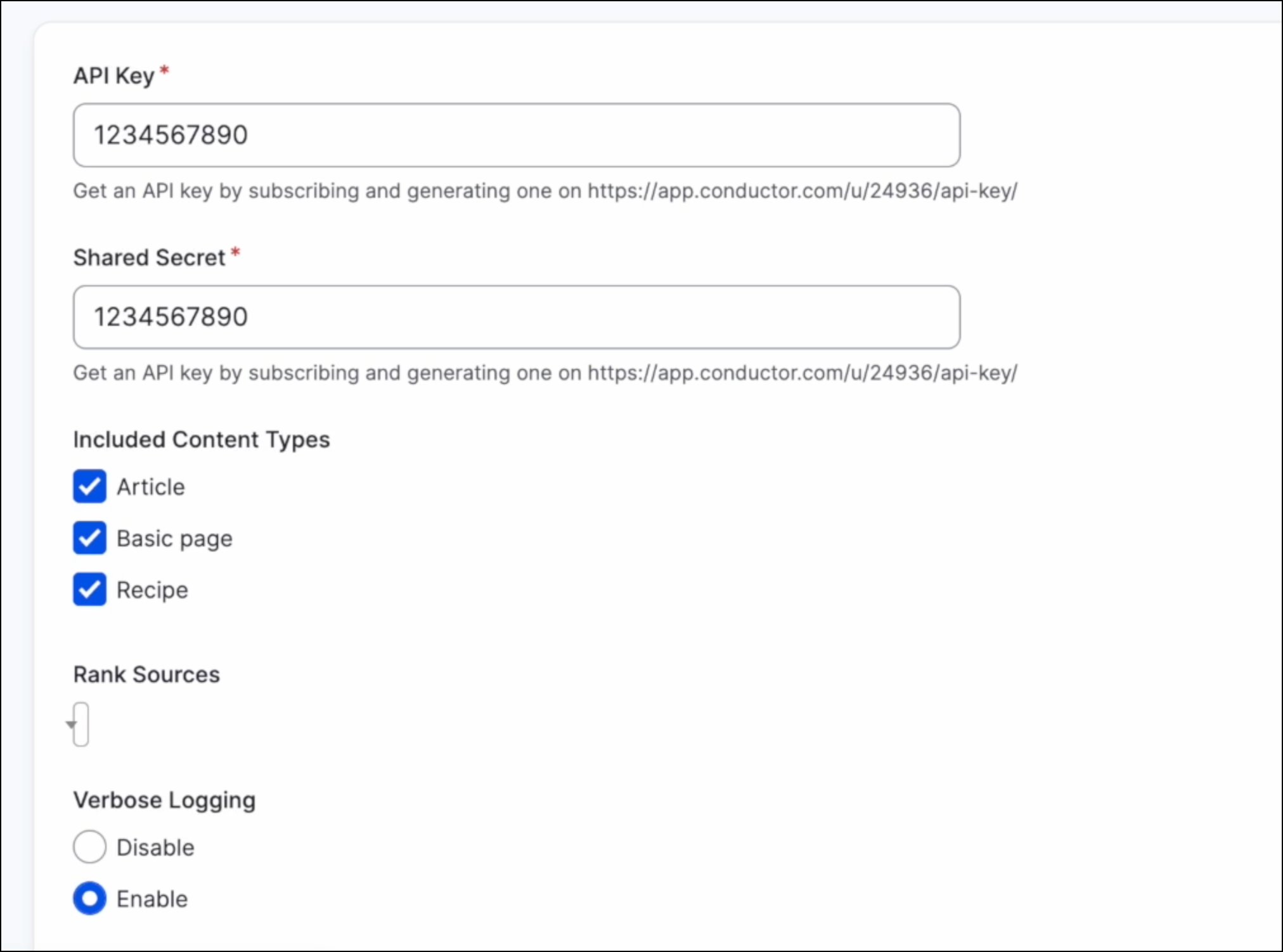
- Click Save configuration. This will create the connection between Conductor and Drupal.
- Configure other settings:
- Included Content Types. Choose the content types in Drupal for which the Conductor module will appear.
- Rank Sources. Choose the preferred search engine and language for which the Conductor module will return insights. Note that this menu won’t be available until you have entered the API Key and Shared Secret and clicked Save configuration.
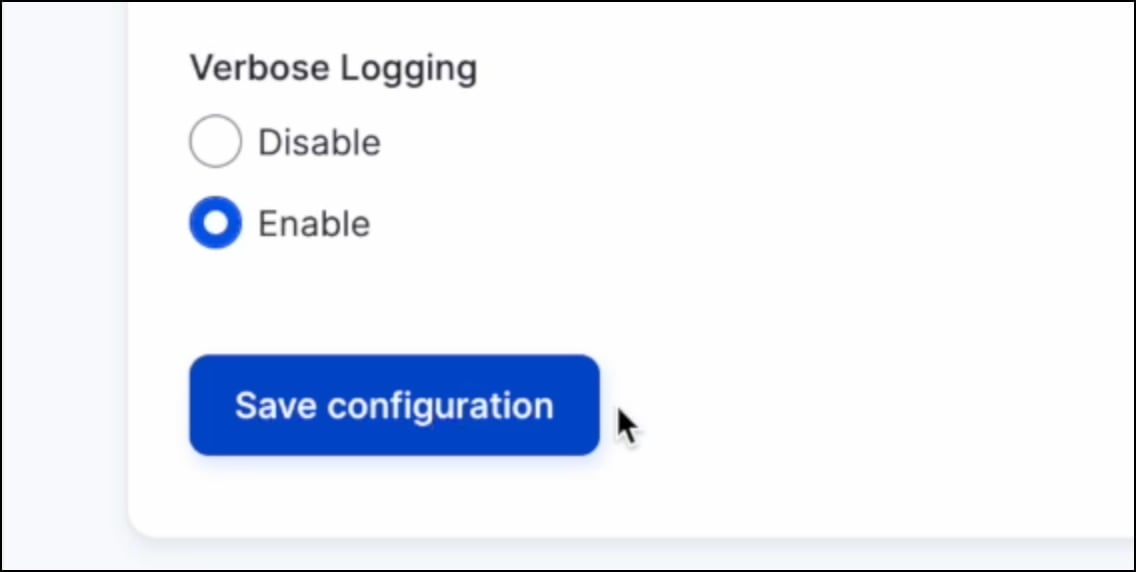
- Verbose Logging. Enable verbose logging to help with troubleshooting (Drupal recommends keeping this enabled).
- Click Save configuration. Users of your Drupal instance can now use the module to review insights and recommendations for enabled content types.
FAQs
In which versions of Drupal is this module supported?
In which versions of Drupal is this module supported?
The module works with Drupal ^9.4 and ^10.
Who can set up this integration?
Who can set up this integration?