Available tools
Custom connections will always include the most up-to-date set of tools available, currently including:tracked_configsai_brand_insightsai_citation_insightskeyword_insights
Configure Conductor in Codex
Configuring Conductor’s MCP in Codex currently requires you to:- Create an API token in the Conductor platform. Learn how: Authenticating Custom Connection
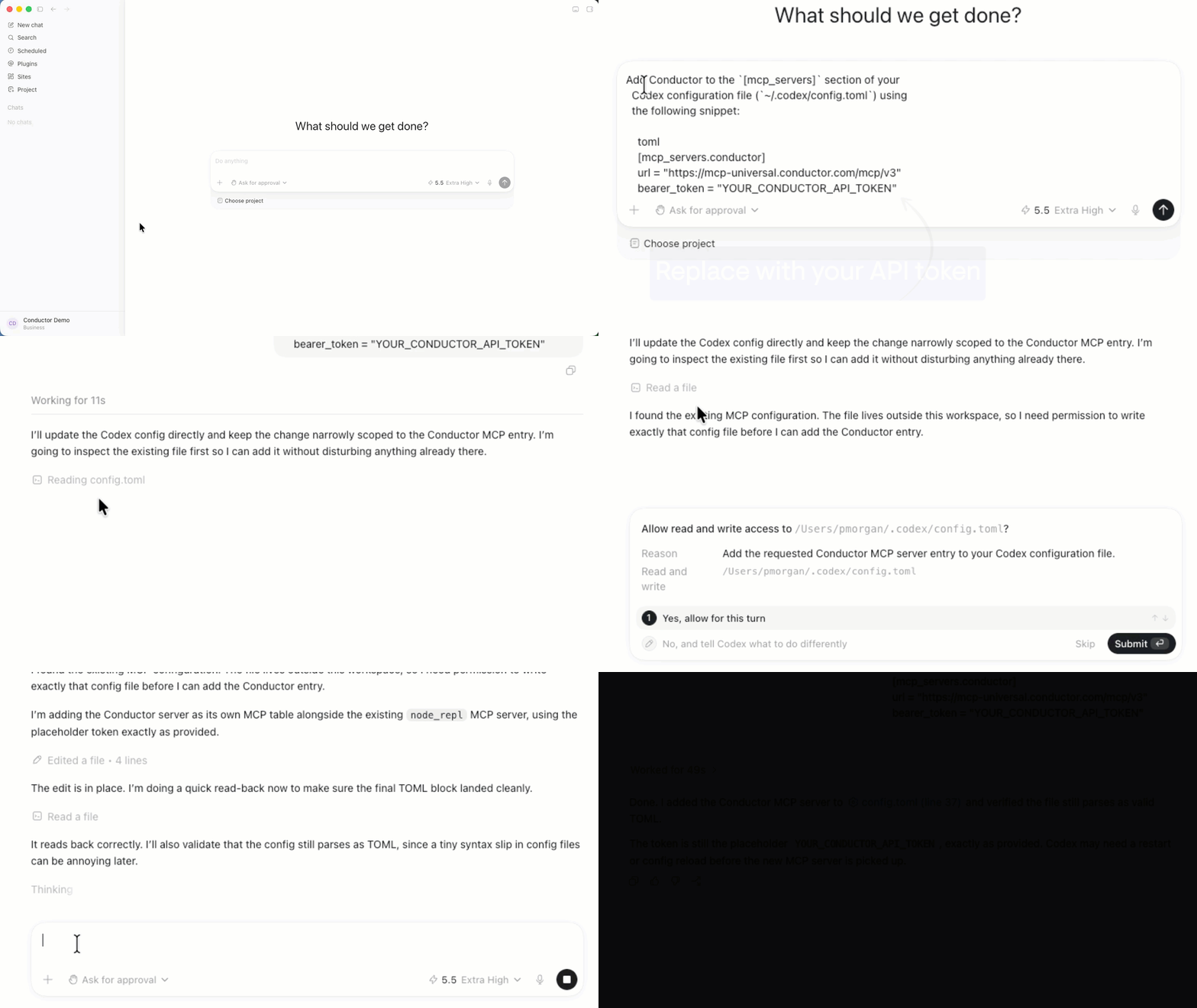
- Add Conductor as an MCP server in your Codex configuration.
Configure Your MCP Server in Codex
- Start a new chat in Codex and request the following. Replace
YOUR_CONDUCTOR_API_TOKENwith the token you generated in Conductor:
- If necessary, permit Codex to edit your Codex configuration file.
- After it finishes edits in the configuration file, restart Codex.