Which Issue parameters can be configured?
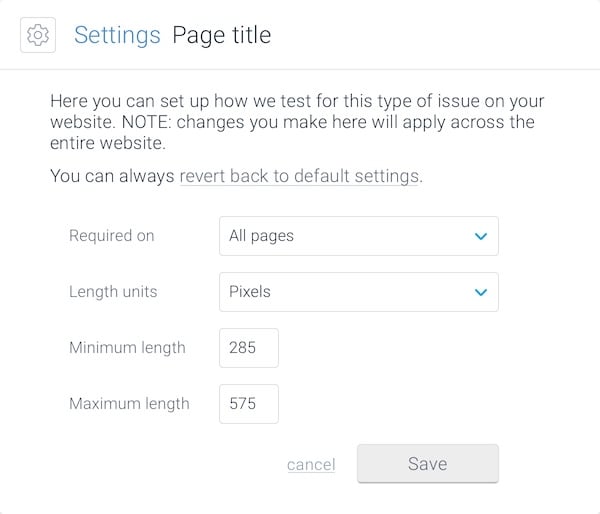
The Issue Configuration allows you to adjust the following parameters:- Required on defines the scope of the issue
- Length units let you switch between pixels or characters
- Minimum length
- Maximum length
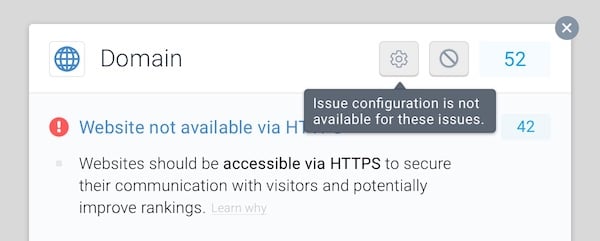
- Domain
- Robots.txt
- XML Sitemap
- Analytics
Example use cases
If you are still trying to understand how Issue Configuration could work for you, we have a couple of examples that might help you figure it out:Meta Description
Google enforces different meta description lengths in different markets. If you feel that Conductor Monitoring’s default length settings don’t fit your website’s audience, you can now easily set custom lengths. Conductor Monitoring will then follow these new minimum- and maximum-length rules and audit your website accordingly.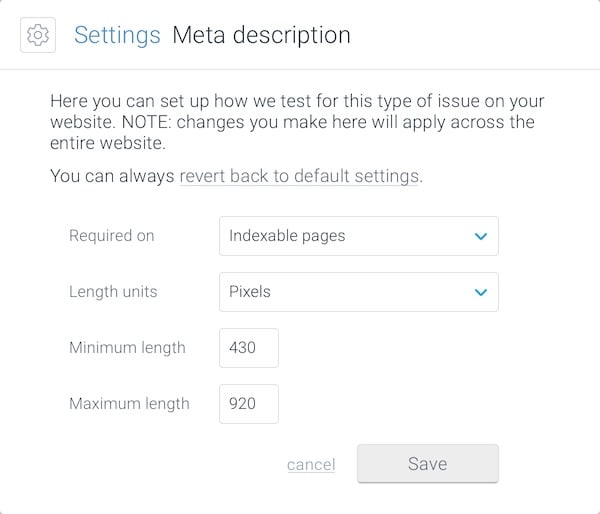
Canonical Link
By default, Conductor Monitoring will only test Canonical Link Issues on indexable pages. However, you might want to make sure you got the canonicals right on the non-indexable pages as well. Using the Issue Configuration, you can change the Required on parameter to All pages. Conductor Monitoring will now test Canonical Link Issues on both indexable and non-indexable pages.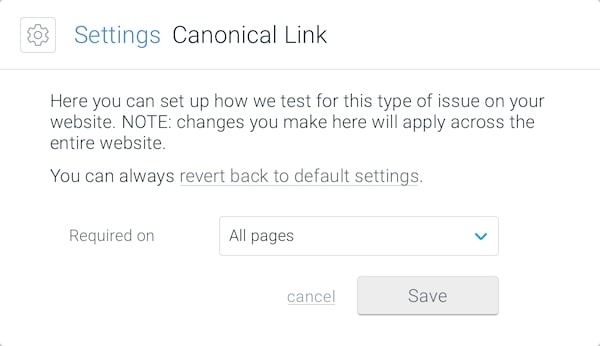
How to configure issues
Changing the issue configuration is simple:- Open Issues ↗️ and choose the issue you want to configure.
- Click on the Issue Configuration button in the issue’s header.
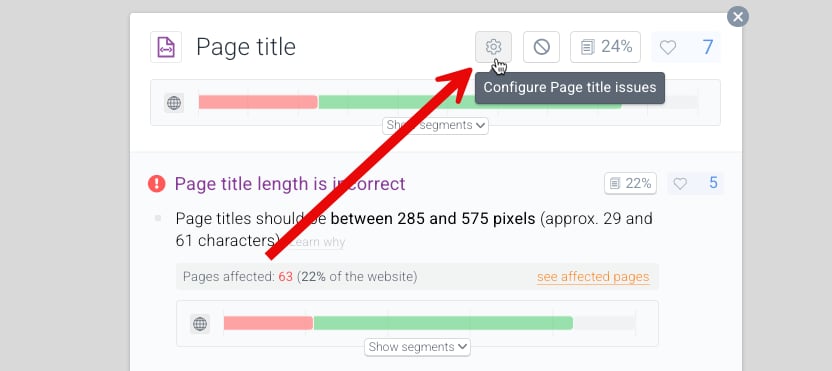
- In the window that appears, tailor the rules to your needs.
- Click Save.
Who can use Issue Configuration?
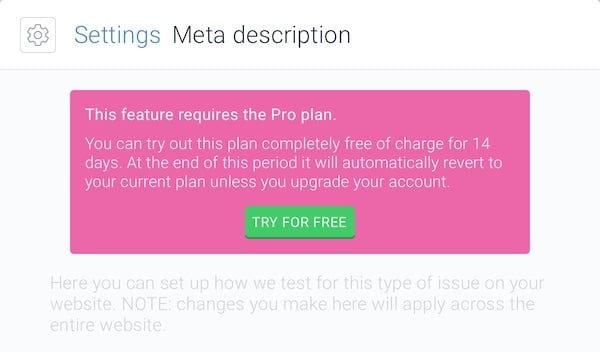
Issue Configuration is available for users on the Essentials, Growth, and Enterprise plans. If Issue Configuration isn’t available under your current plan, you can go for the free plan upgrade trial, which allows you to try and use our premium features for two weeks in your account.