
What is Log File Analysis?
A log file is a text file containing records of all the requests a server has received, from both humans and crawlers, and its responses to the requesters. Through log file analysis, AEO and SEO professionals can get a better understanding of what search engines are actually doing on their websites, in order to improve their performance.Log Sources
Currently you can feed your logs to Conductor Monitoring using any of the following CDN platforms:- Cloudflare Worker
- Cloudflare Logpush
- Akamai DataStream
- CloudFront Standard logging
- Fastly Real-Time Log Streaming
Can I integrate a data aggregation platform like Splunk instead?No, currently Conductor Monitoring supports only direct integrations with the CDNs listed above.
Traffic that Conductor Monitoring detects and tracks
Conductor Monitoring detects and tracks visits of the following search engines to your websites:- Google (Google Desktop, Google Mobile, GoogleOther, and Google-Agent)
- Bing (Bing Desktop and Bing Mobile)
- OpenAI (OAI-SearchBot, ChatGPT-User, GPTBot, and OAI-AdsBot)
- Perplexity (PerplexityBot and Perplexity-User)
- Anthropic (ClaudeBot, Claude-SearchBot, and Claude-User)
- Meta (Meta-ExternalAgent and Meta-ExternalFetcher)
- xAI (GrokBot)
Setting up the Log File Analysis
The process of configuring the Log File Analysis differs based on the log sources that are used to feed them to Conductor Monitoring. Refer to the relevant support article based on your website’s log source:- Setting up the Cloudflare Worker integration
- Setting up the Cloudflare Logpush integration
- Setting up the Akamai integration
- Setting up CloudFront Standard logging
- Setting up Fastly Real-Time Log Streaming
Working with the Log File Analysis data in Conductor Monitoring
Using the Log File Analysis data in Pages
Search engines will have two columns each on the Pages screen: Last Visited and Visit Frequency, which you can use for filtering: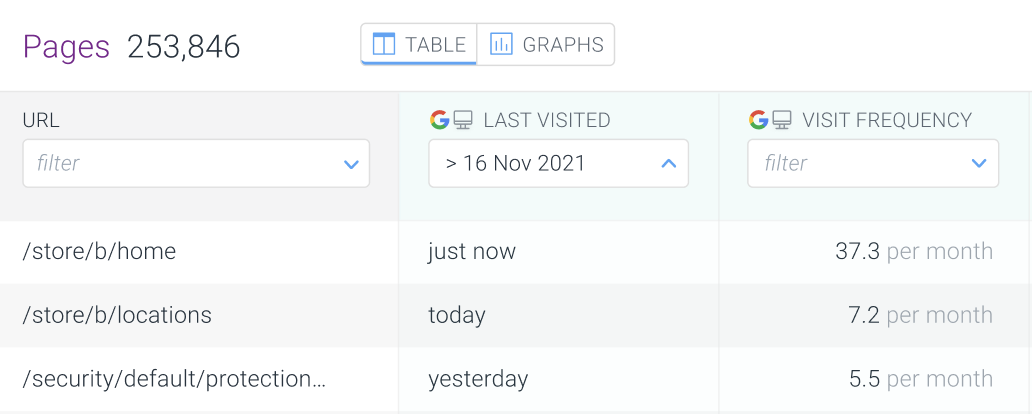
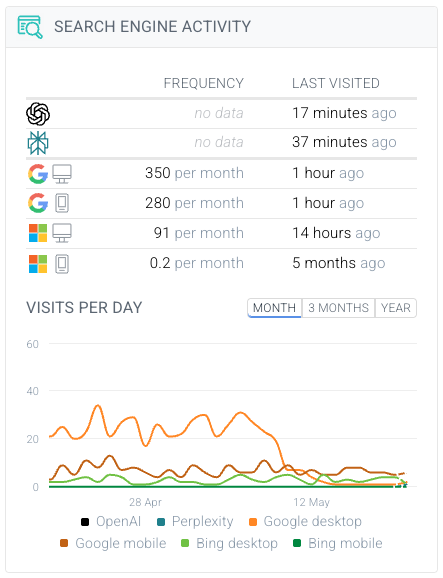
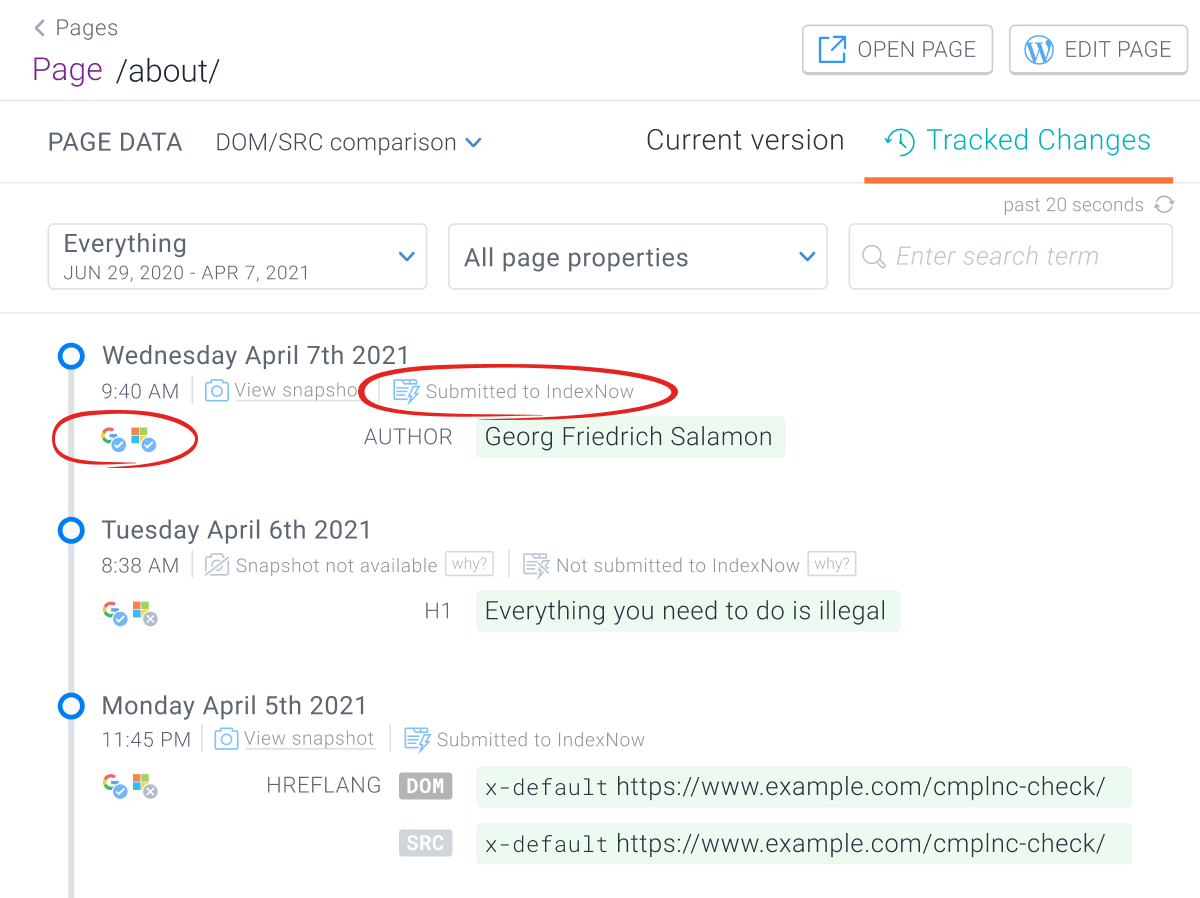
Log File Analysis data in the Platform section
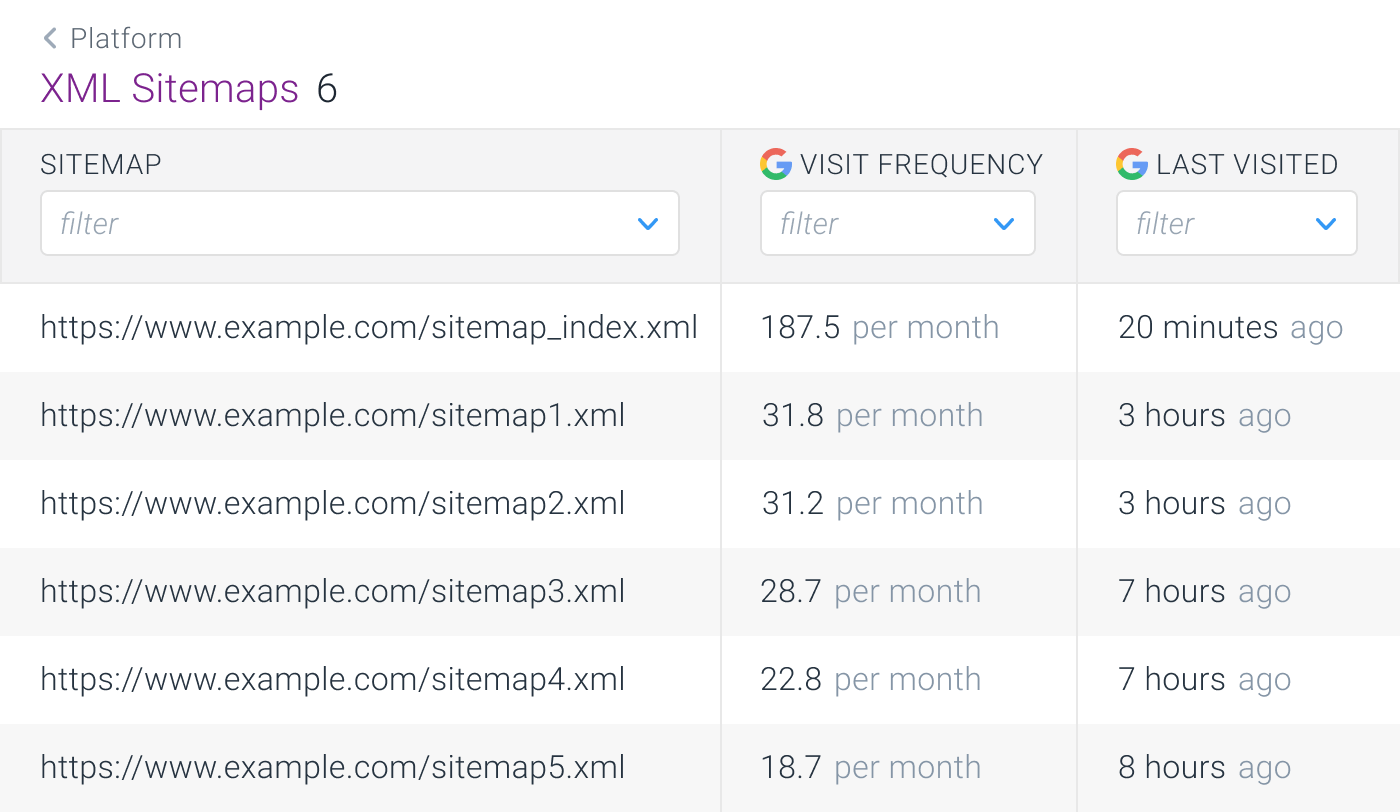
If you have made some changes to the robots.txt file or the XML sitemaps and you want to check if search engines visited them since, just head to the Platform section in Conductor Monitoring and easily check if the search engines visited the robots.txt: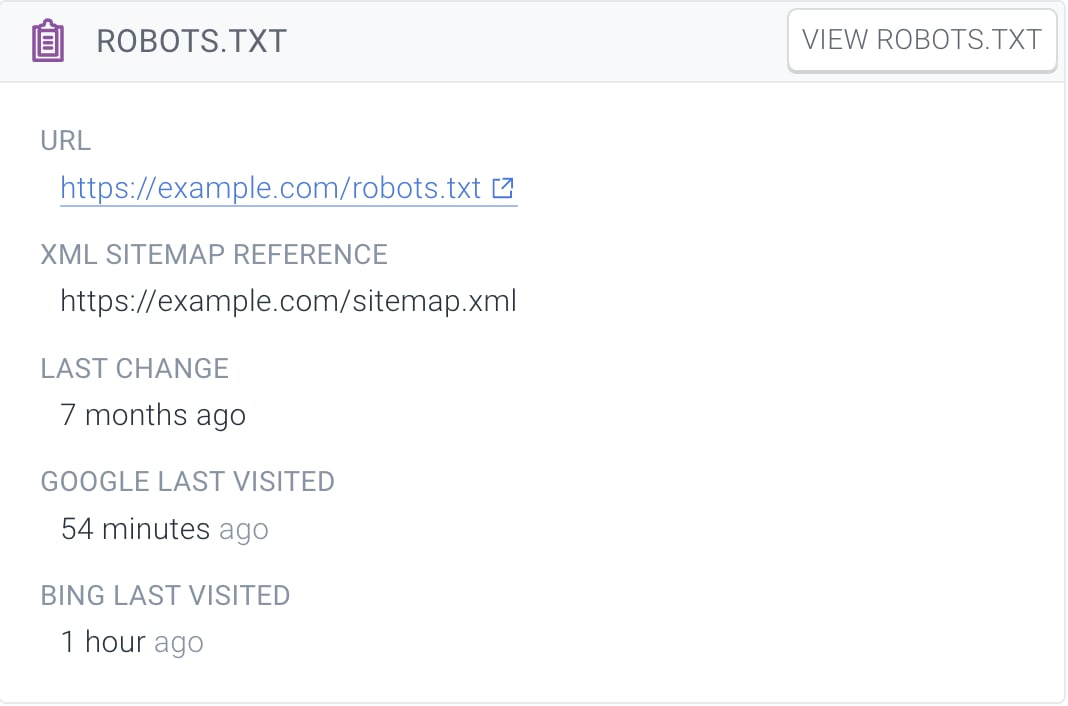
Disabling Log File Analysis
To learn how to disable Log File Analysis please refer to the relevant support article based on your website’s log source:- Akamai DataStream
- Cloudflare Worker
- Cloudflare Logpush
- CloudFront Standard logging
- Fastly Real-Time Log Streaming