
If you have access to multiple Conductor accounts, the Accounts Overview appears when you first sign in to the platform. This landing page collects information about all your accounts so you can follow your progress at-a-glance.
Availability Details
The Accounts Overview appears at sign-in only for users who have access to multiple accounts in Conductor.Overview
Review your Recently Visited reports and your Favorite Workspaces.
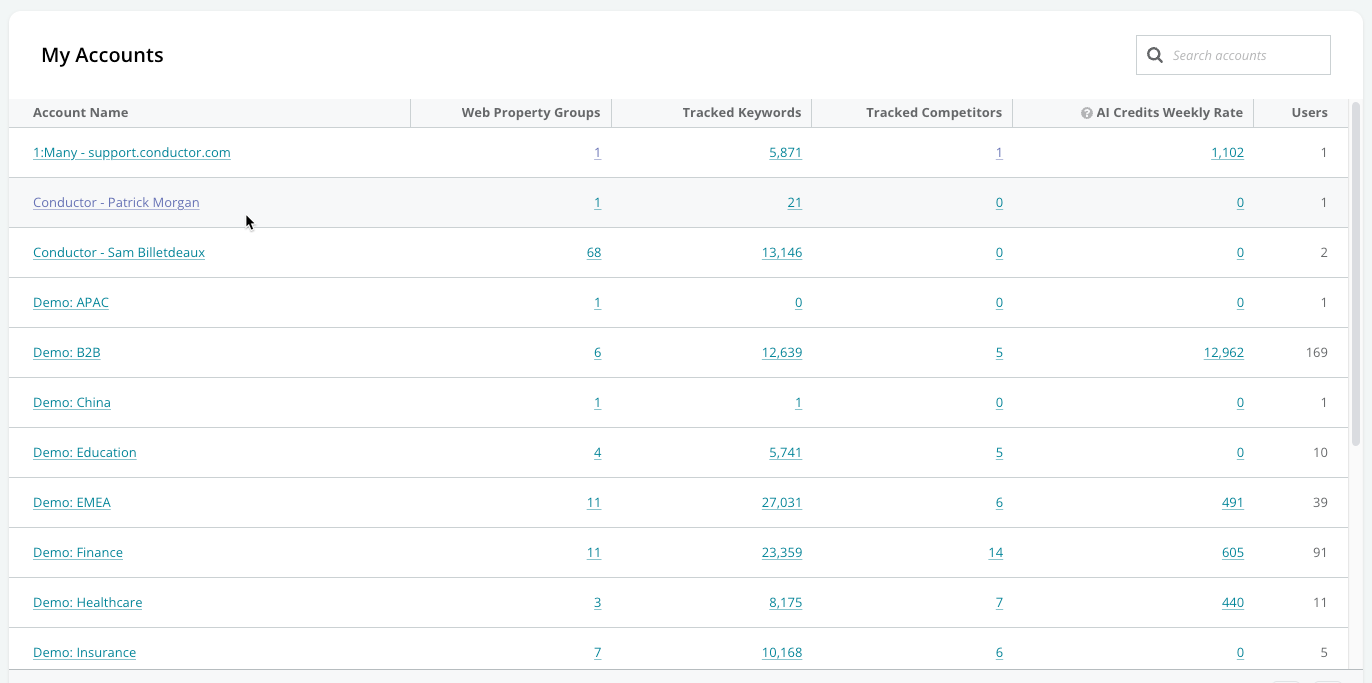
- The number of Web Property Groups
- The number of Tracked Keywords
- The number of Tracked Competitors
- The AI Credit Weekly Rate. This indicates the weekly consumption of AI Credits for the account.
- The number of Users