
Conductor also has an extension for our Conductor Intelligence product. This article is about Conductor Monitoring’s Google Chrome extension. If you are looking for information about our Conductor Intelligence extension, you can find it in this article.
The right data at your fingertips
The Conductor Monitoring Chrome extension allows you to view Conductor Monitoring metrics and data about your websites directly in your browser.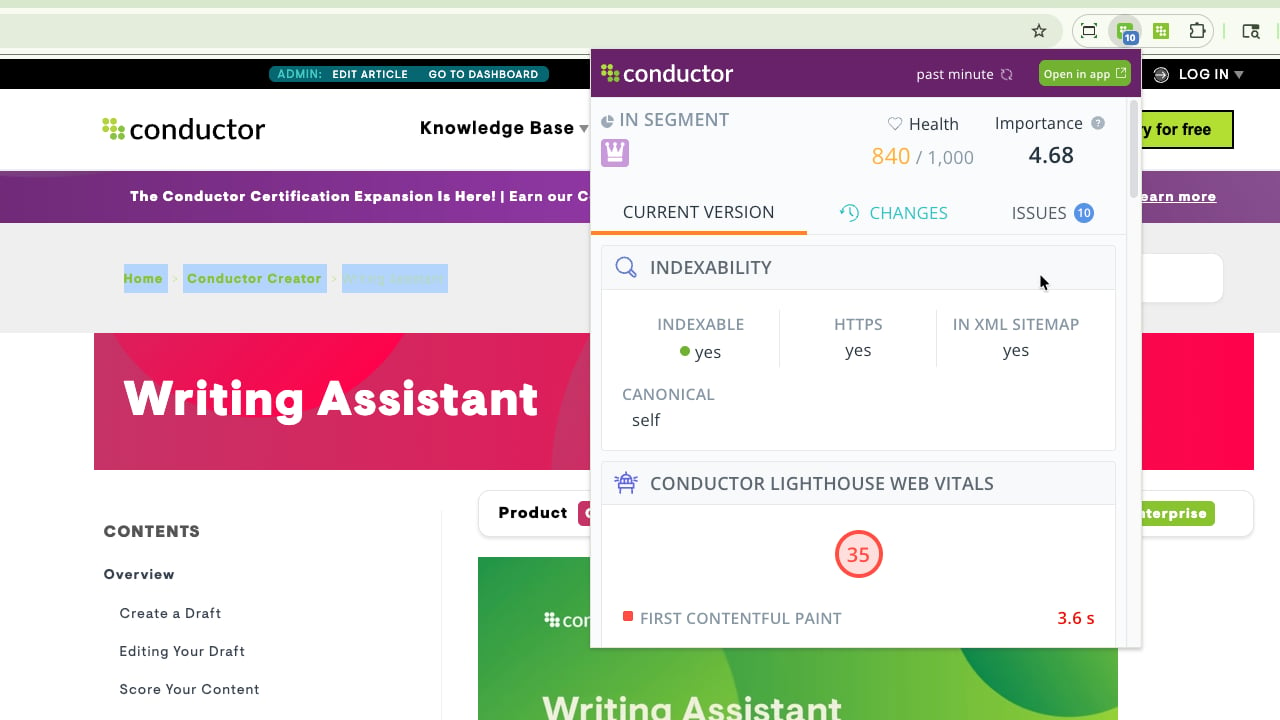
The Conductor Monitoring Chrome extension provides you with the following data:
- SEO metrics
- Segments, Page Health, and Importance
- Indexability (HTTPS, In XML sitemap, Canonical)
- Content (Page Title, Meta Description, Headings)
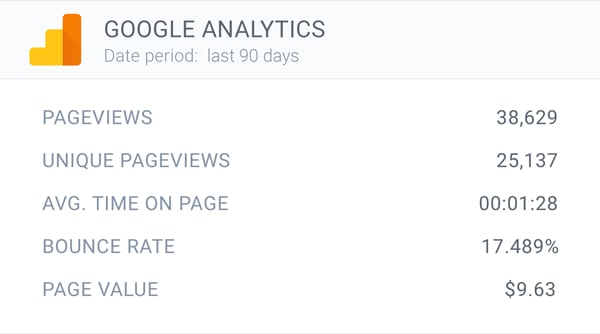
- Google Analytics & Google Search Console data
- Custom Elements
- Social markup (Open Graph, Twitter Cards)
- Tracked Changes
- Issues
SEO metrics
The extension consists of three tabs: Current Version, Changes, and Issues.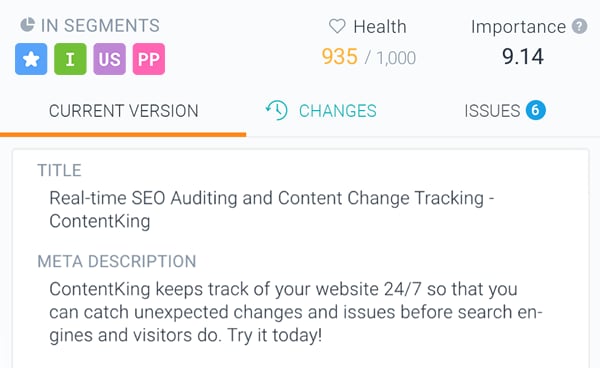
Tracked Changes
The extension allows you to view the full history of changes for every monitored page. You will always find all the tracked changes in the Changes tab.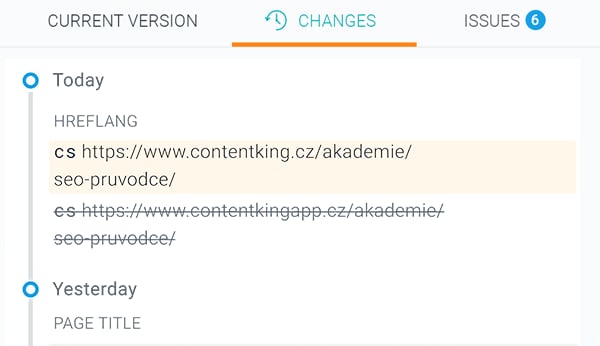
Issues
If you want to get a quick overview of all SEO issues that Conductor Monitoring is detecting on a page, just open the extension and go to the Issues tab, where you will always find all SEO issues of the page as well as the impact of these Issues on the Page Health.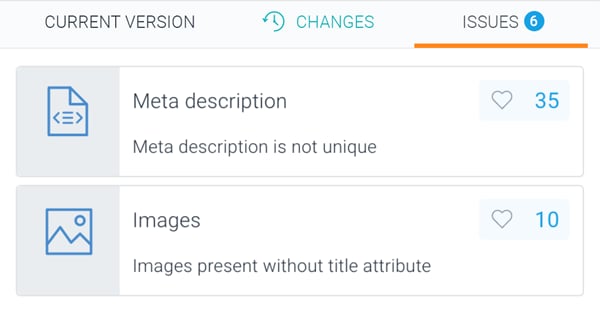
Jump to Conductor Monitoring with one click
Do you need more information about the page you’re visiting? No problem! Just click the Open in App button and jump directly to the Page Detail screen in Conductor Monitoring.
The extension icon
If you want to quickly check whether a page is indexable or not, you don’t even need to open the extension. Just look at the color of the extension icon:- If the icon is green, the page is indexable.
- If the icon is orange, the page is non-indexable. For more information just check the Why? button in the Indexability section of the Current Version tab.
How to get started
- Log in to your Conductor Monitoring account, or start a free 21-day trial.
- Install the Conductor Monitoring Chrome extension to your browser in Chrome Store.
- Open any page on a website that is monitored by Conductor Monitoring.
- Click the extension icon in your browser’s toolbar.
Permissions and Privacy
When adding the extension to Chrome, you will be asked for the following permissions:- Read and change your data on data.com.conductor.com and technical-data.app.conductor.com.
- Read your browsing history