Integrating the CMS API into your publishing workflow triggers priority auditing of the page you’re working on for on-the-fly auditing. This allows you to see the results in Conductor Monitoring immediately after making a change.
The CMS API uses a single endpoint in Conductor Monitoring’s Reporting v1 API. When you publish a new or edited page, you can send the URL in the request body to this endpoint to let Conductor Monitoring know that it should be prioritized for auditing.
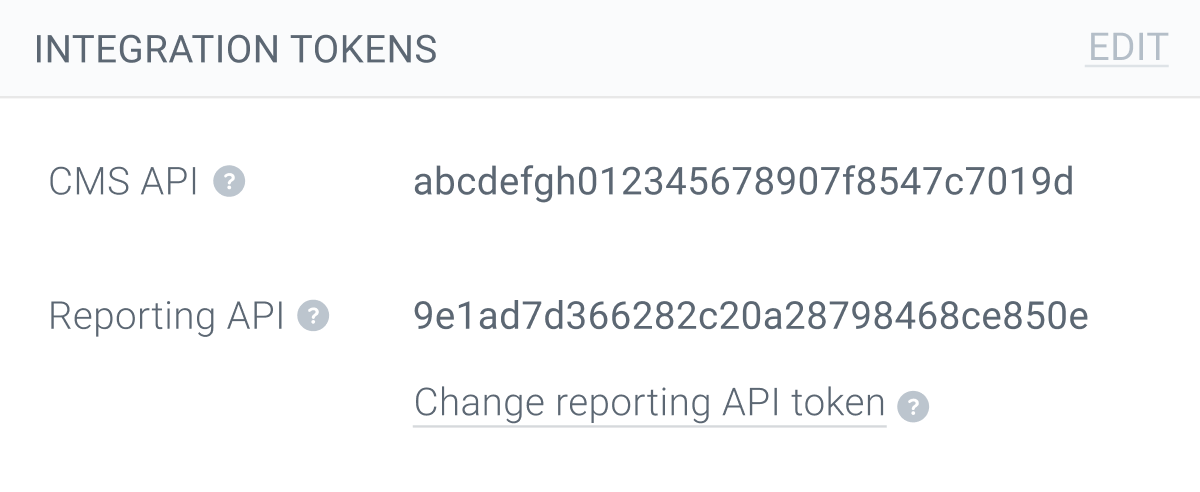
To use the CMS API you need to get your Conductor Monitoring account’s CMS API token. You’ll find it in the Integration Tokens section under the Account tab in the main Account section.
Every time you make a change through your CMS—adding, deleting, or changing a page—call the CMS API with a POST request so Conductor Monitoring audits the page right away.
Trigger a page crawl
POST /v1/check_url — send the URL, get it queued for immediate crawling. Includes an interactive Try it form, the full request body, and every response code.
Don’t forget to include the domain name and protocol (http or https) in your request. The URL must also belong to a website registered in the Conductor Monitoring account that owns the API token.
For the complete interactive reference, including the deprecated token check endpoint, see the CMS API Playground.