
Conductor Intelligence and Conductor Creator: In-platform Quick-Start Tasks and help links
You can find Quick-Start Tasks on the Home page in the Get Started section to help you onboard faster, learn key workflows, and receive platform guidance when you need it. You can learn how to build reports, optimize pages, research competitors, and more.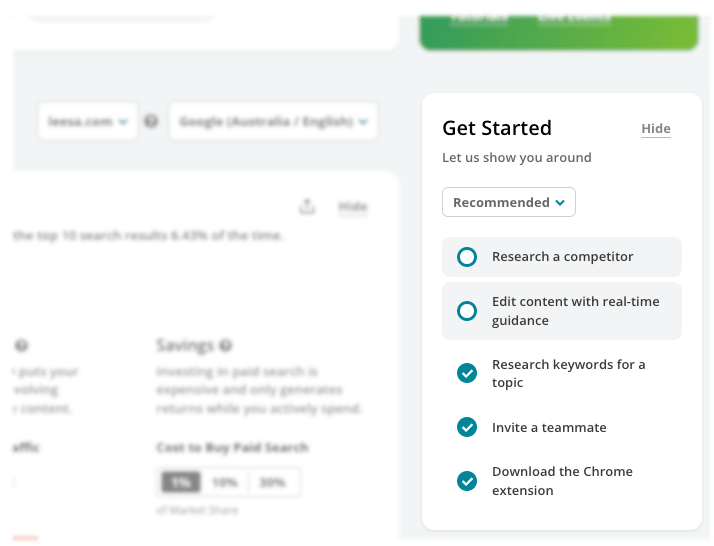
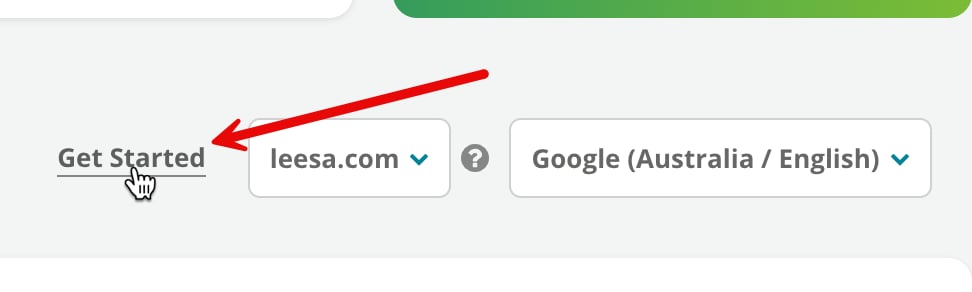
Need more help while you’re working in the platform?
Just hover over the information ( i ) icon next to header titles to find videos and links to context-specific help articles from our Knowledge Base.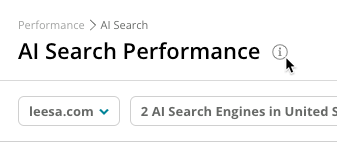
24/7 support on the Knowledge Base
This site—the Conductor Knowledge Base—provides reference material about every feature, frequently asked questions, and best practices for using the platform to meet your business objectives. Better yet: do it all right from Conductor Intelligence with our platform search feature!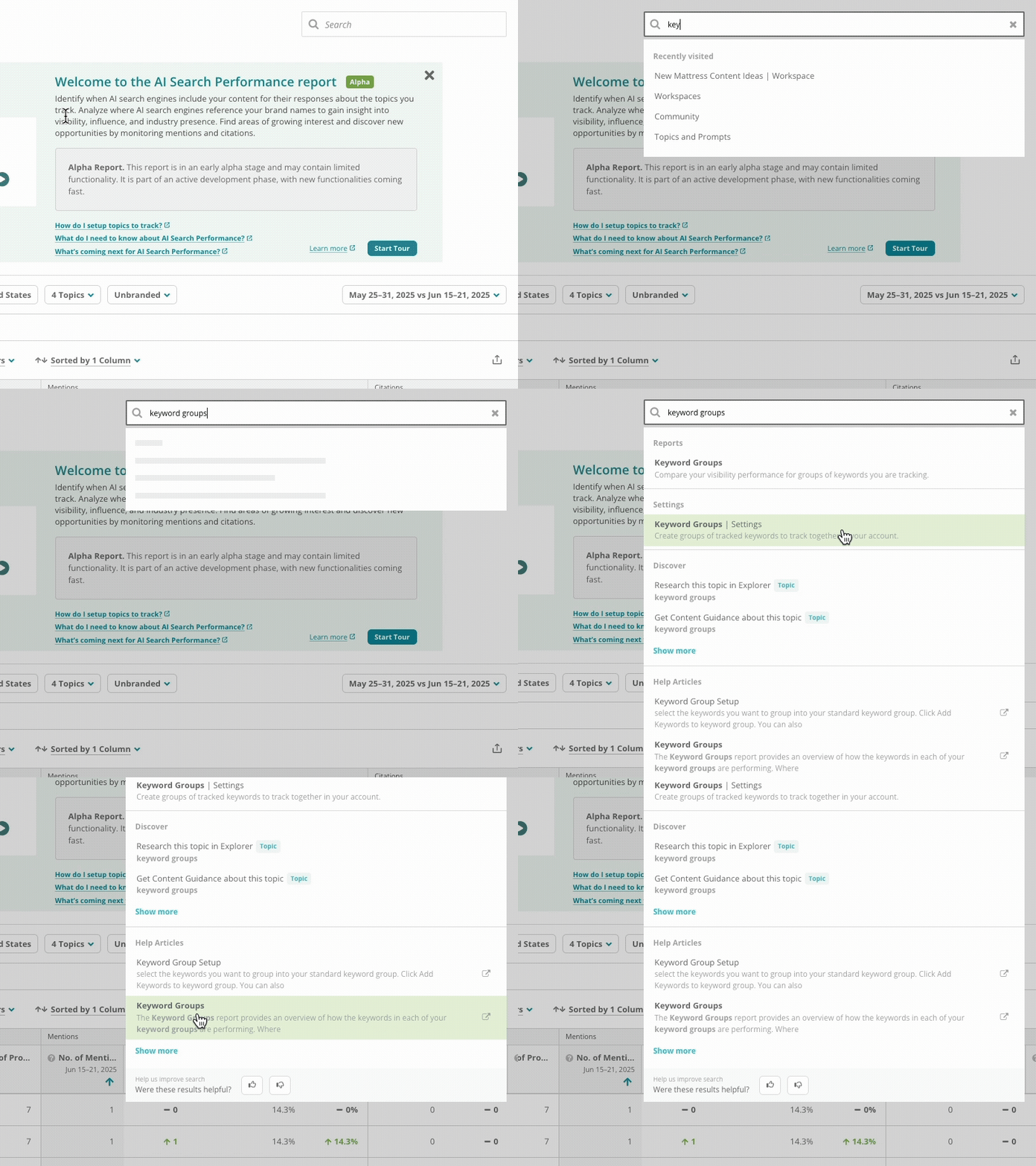
24/5 chat and email support
In both Conductor Intelligence and Conductor Monitoring, you can contact our support team by:- Opening a support request, from the Contact Supportlink in the header of the Knowledge Base.
- Emailing [email protected].
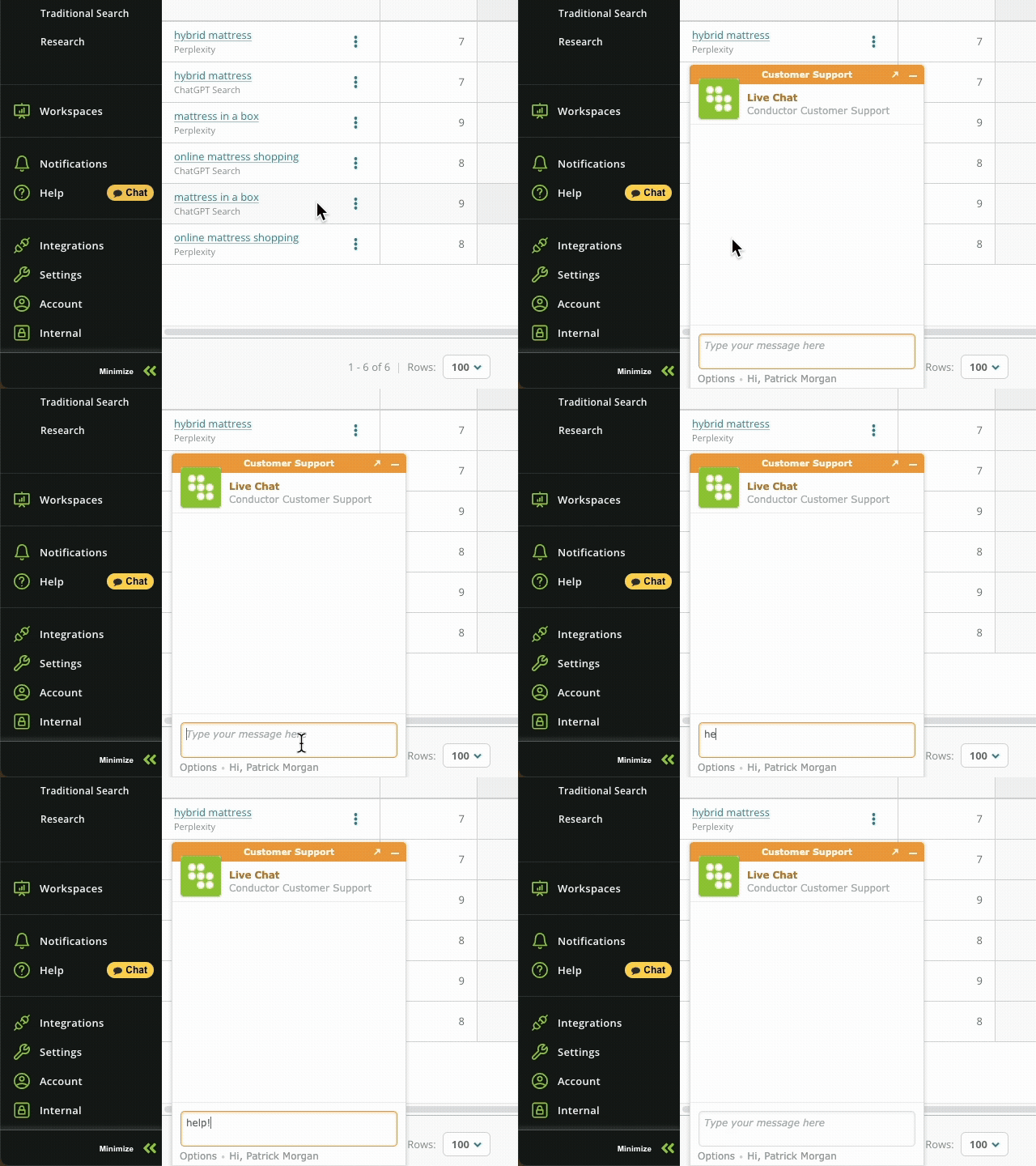
- Chatting with us from the platform itself
Want to learn more or find help?
Review other knowledge content that can help you get the most from the Conductor platform:- Conductor’s Academy. SEO best practices, reference material, and more for becoming the SEO expert for your organization.
- Conductor’s Blog. Stay informed about SEO, content marketing news, and digital marketing stories.
- Conductor’s 30|30 Webinars. 30 minute webinars about the last 30 days in Search, Social, and Content with SEO expert Pat Reinhart.