Alerts in Slack
Conductor Monitoring integrates with Slack, pushing important alerts right into any of your team’s channels. You can read more about the Alerts in a dedicated article about Alerts. When an alert opens, it will be delivered to Slack right away, bringing your entire team up-to-speed at once and facilitating discussions: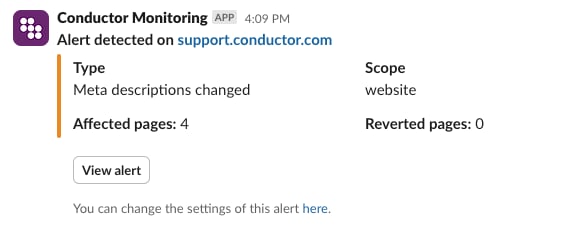
Connect Slack to Conductor Monitoring
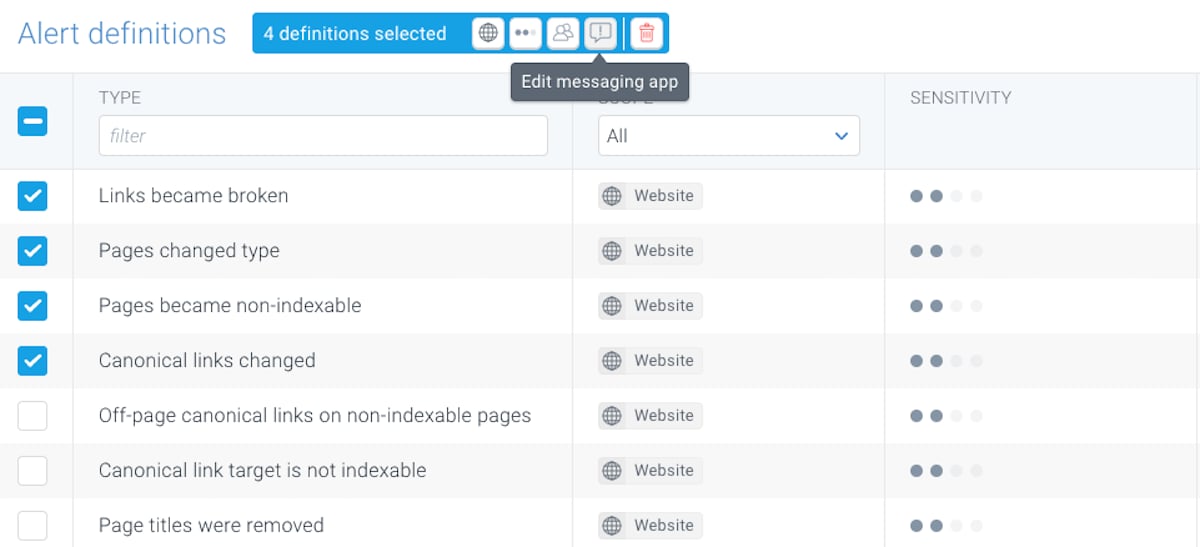
Setting up the integration couldn’t be easier:- Go to Alert definitions.
- Select all the alerts you want to send to Slack.
- Click the Edit messaging app icon in the toolbar at the top.
- In the window that appears, click Connect and follow the steps.