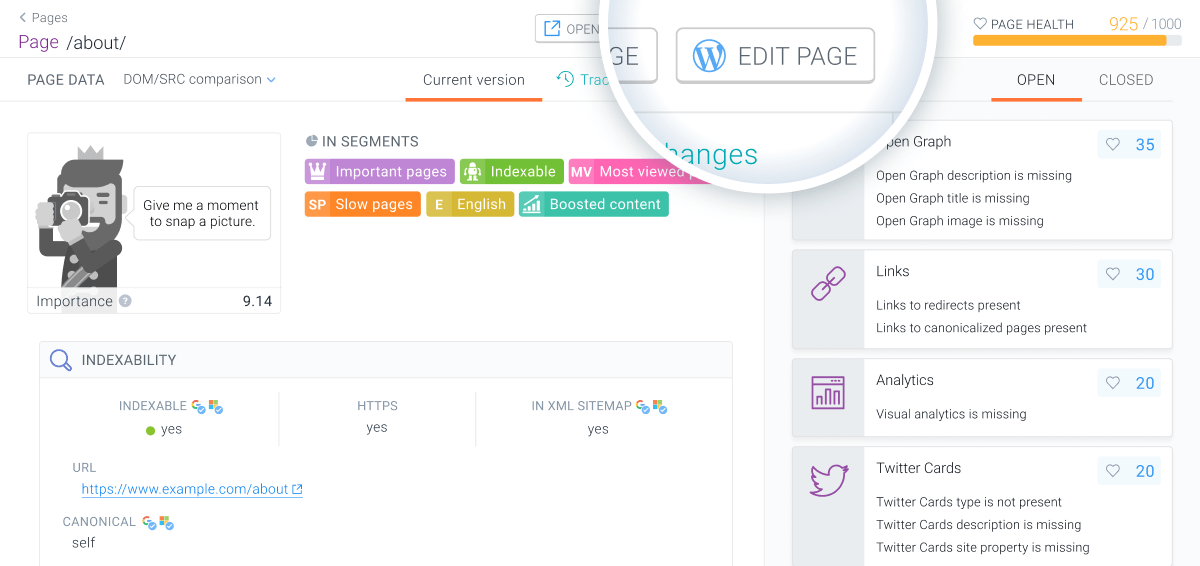
Install the Conductor Monitoring WordPress plugin for on-the-fly page auditing and one-click CMS access from any audited page.
If you’re running WordPress you should install the Conductor Monitoring plugin to benefit from on-the-fly auditing and the Edit Page button, allowing you to jump to the specific page in your WordPress CMS with a single click.
Installing the WordPress plugin is easy—just follow the two steps below.
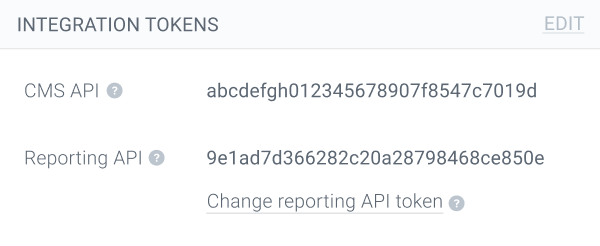
Next, in WordPress go to Plugins > Add New and search for “Conductor Monitoring” or “ContentKing”. Click the Install Now button, and once the installation is finished enter the API token in the plugin settings.
ContentKing?Conductor Monitoring used to be ContentKing, and our WordPress plugin still maintains that name.
And that’s it! From now on, whenever you make any changes to your pages Conductor Monitoring will immediately audit the page and you’ll have the super handy Editin WordPress button at your fingertips!
These days it’s good practice to install a caching plugin on WordPress websites. This speeds up load times and reduces stress on the server. If you’re using a caching plugin, it’s important to note that in very rare cases Conductor Monitoring may not see page changes until the cache expires or is manually flushed.
Our general-purpose API makes it easy to integrate Conductor Monitoring into whatever platform your websites are running on. Have a look here to find out more.
Assistant
Responses are generated using AI and may contain mistakes.