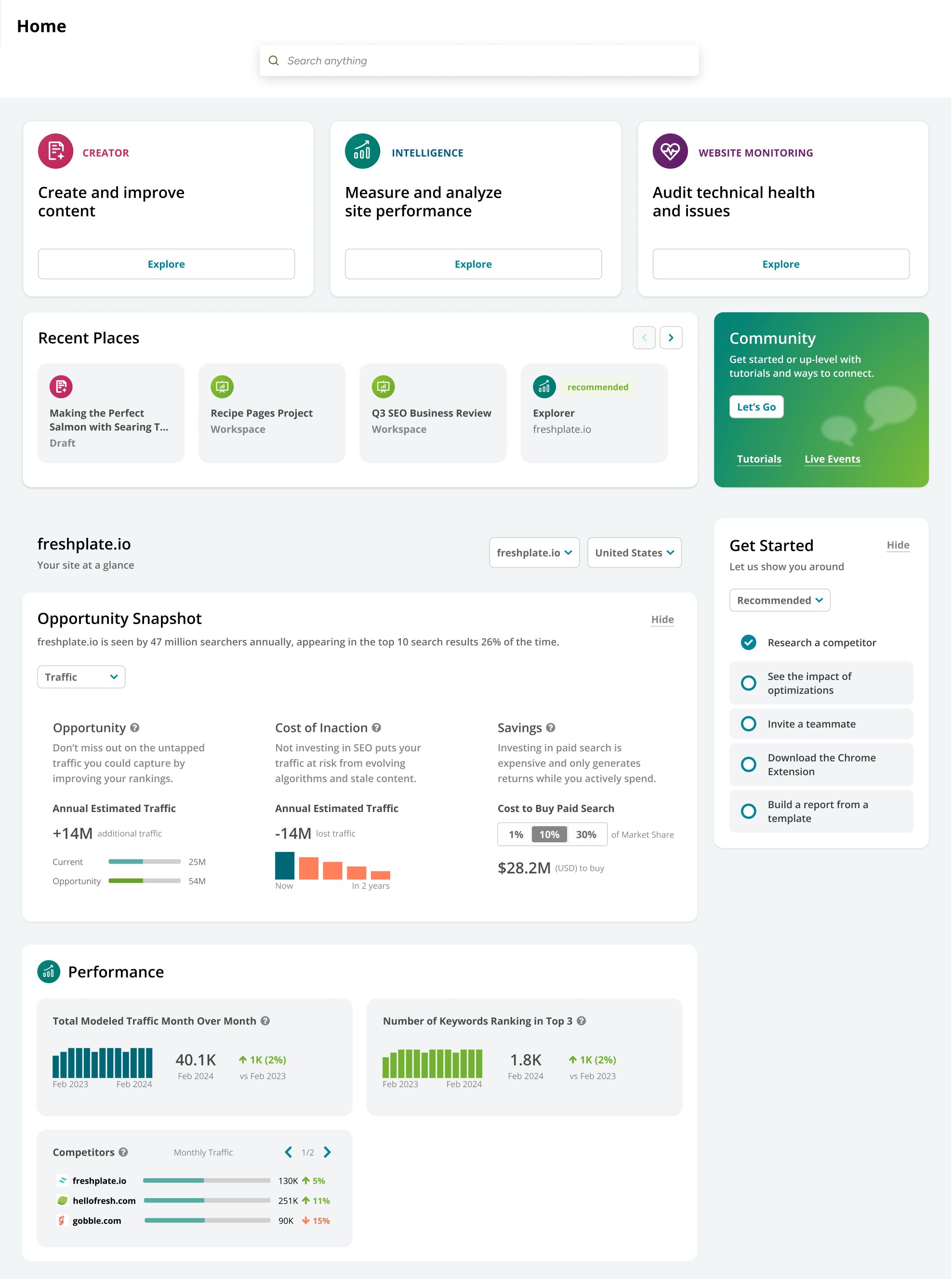
- Quick Links introduce you to platform features designed around your most important use case.
- Hop back into your workflows with Recent Places.
- Jump to our Community and other educational resources.
- Learn your workflows with Quick Start Tasks.
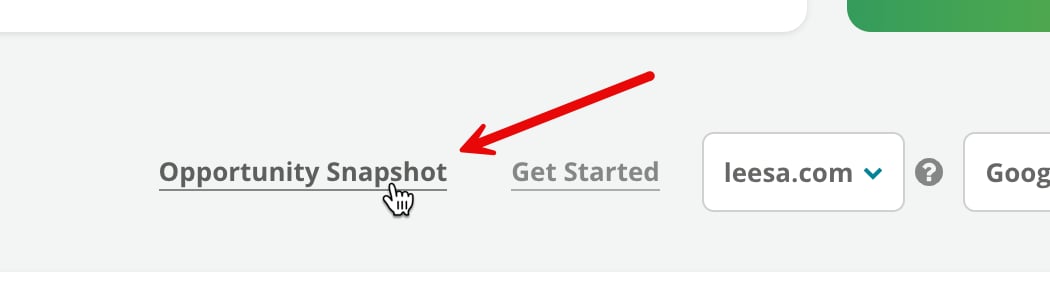
- Understand your site’s potential with Opportunity Snapshot.
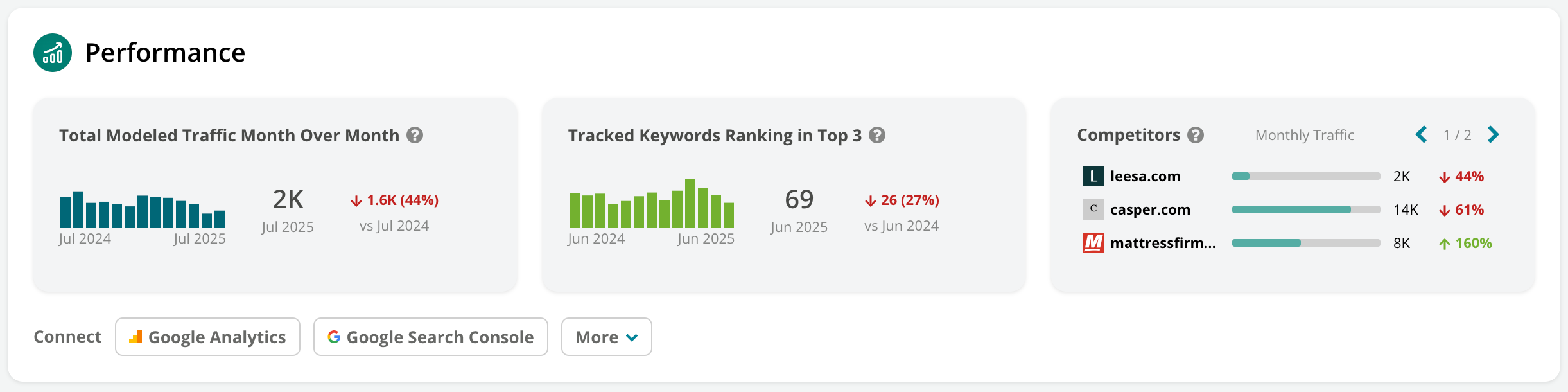
- Review high-level trends in your site performance.
Navigate to your destination
At the top of your Home page, you can use our Platform Search bar to:- Navigate to a specific feature.
- Research a topic or website with Research.
- Look for answers to your questions here on our Knowledge Base.
Jump back in with Recent Places
Below your trend cards, you’ll see Recent Places in the platform you’ve visited—so you can jump right back to where you last left off.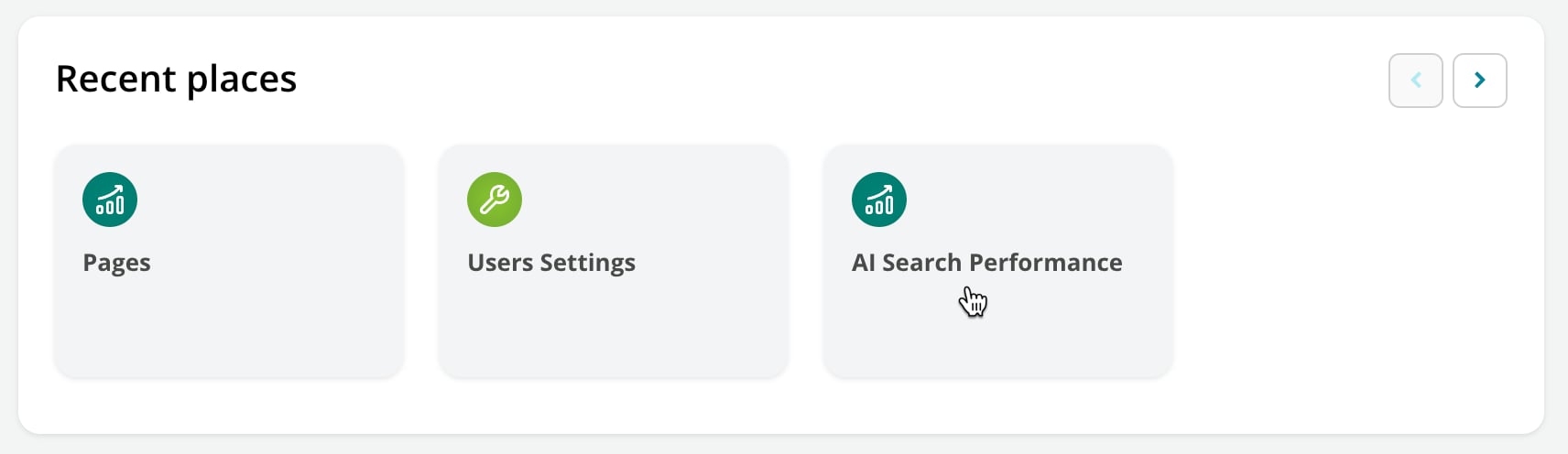
Get a helping hand
In the Get Started section, choose from curated Quick Start Tasks to begin learning how to get the most from Conductor.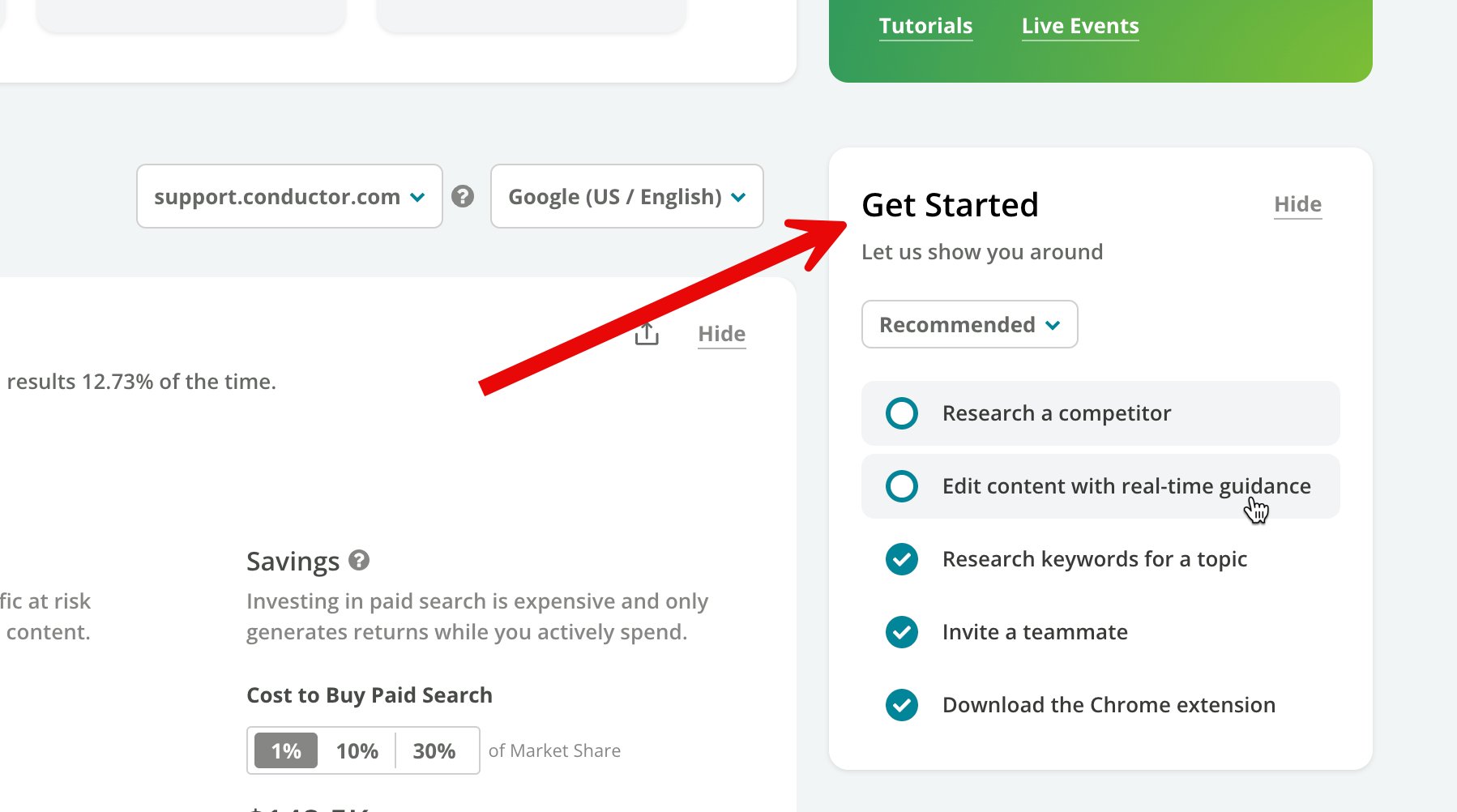
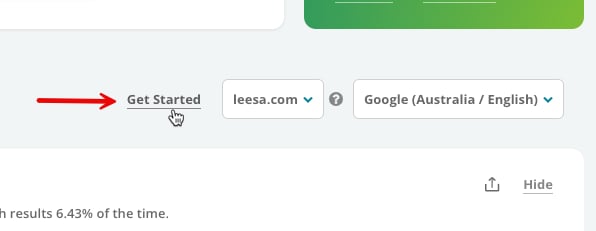
Understand your opportunities
The Opportunity Snapshot helps demonstrate the importance and value of investing your time and effort in Conductor to realize your ROI. With a combination of your data and proprietary benchmarking, you can see your potential opportunity—and the cost of inaction—in terms of traffic and revenue.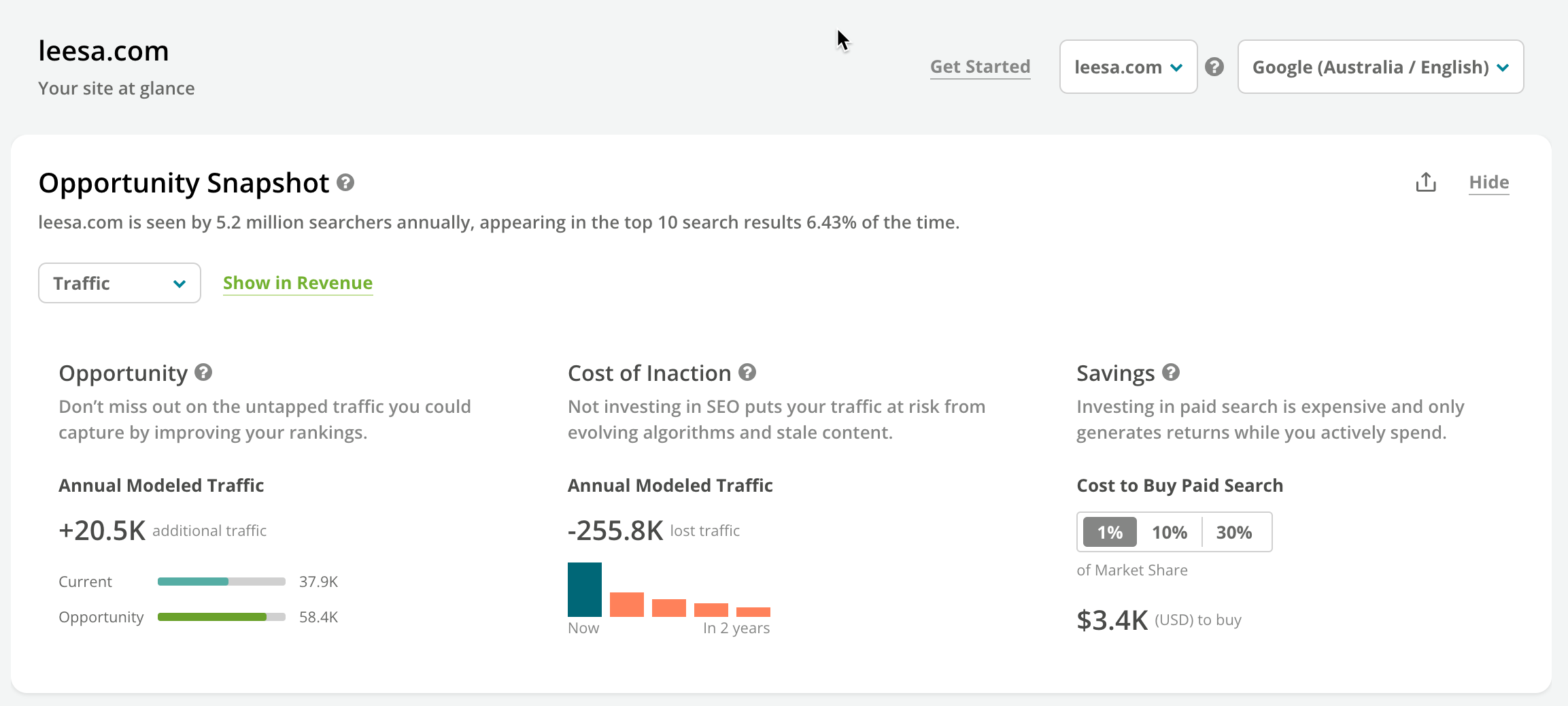
See high-level trends
For your selected domain and search engine, review high-level trended information to indicate your monthly performance. Click these cards to jump to reports where you can review the underlying data.