
Connect changes in the search landscape and the changes you make to your content to the effects those changes have on your pages’ performance with annotations in the Pages report, the Page Details report—and for some annotation types—the Keywords report. Understanding how changes to your content and other externalities affect your performance can help you prove the value of your organic marketing efforts and find opportunities to iterate on success based on facts rather than guesswork.
Content Activity Reporting—Conductor’s change detection technology—automatically detects changes to all of the elements listed below, in addition to when Conductor first discovered the page:
- Title tags
- Meta Descriptions
- h1-h6 tags
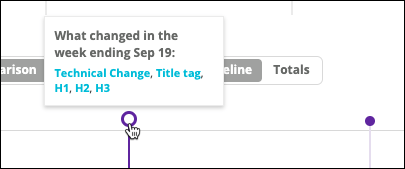
Overview
Content Activity Reporting
Content Activity Reporting lets you see the connections between the changes you make to your pages and your pages’ performance. With this information, you can replicate successes and avoid repeating losses. With Content Activity Reporting, Conductor automatically detects changes to each of the following elements, in addition to when Conductor first discovered the page:- Title tags
- Meta Descriptions
- h1-h6 tags
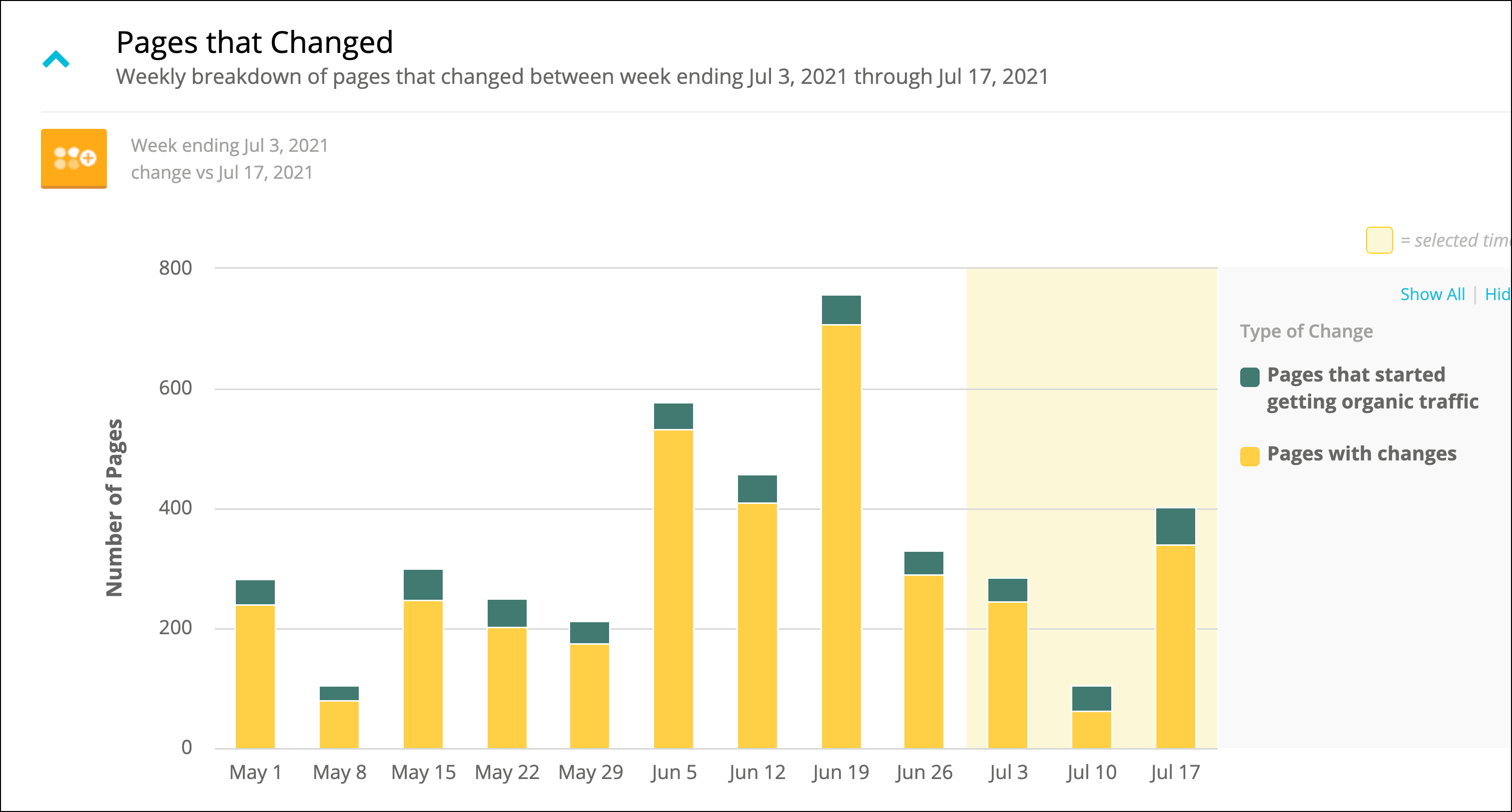
Filter to show only New or Updated Pages
You can use the Select Page Changes filter to focus the Pages report on a set of pages that Content Activity Reporting found to be updated or newly discovered during a specific time period.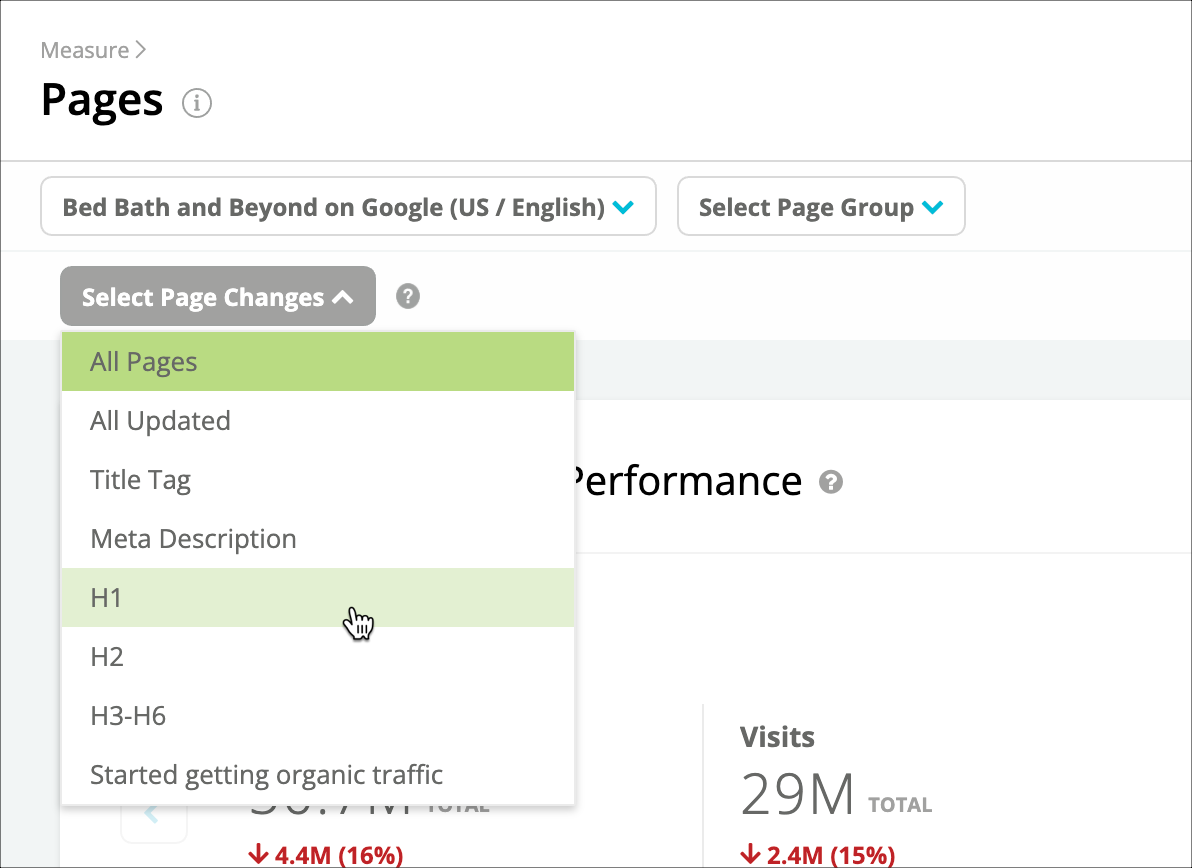
Automated annotations from Content Activity Reporting
In the Page Details report, you can review any automated annotations generated by Content Activity Reporting. With Content Activity Reporting, Conductor automatically detects changes to each of the following elements, in addition to when Conductor first discovered the page:- Title tags
- Meta Descriptions
- h1-h6 tags
- When Conductor finds a header tag in a former time period but not in the latter time period, the annotation is highlighted in red.
- When Conductor finds a header tag in a latter time period but not in the former time period, the annotation is highlighted in green.
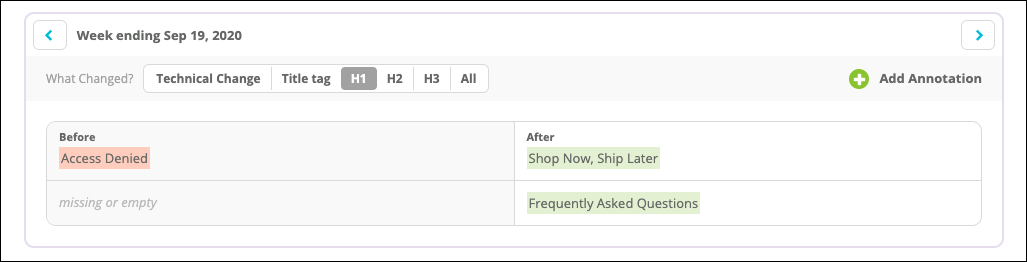
- When Conductor finds extraneous leading, or trailing spaces removed from tags, the annotation is highlighted in yellow. A tooltip also appears to indicate the difference.
Public Event Annotations
Stay informed about impactful updates, like Google algorithm updates or industry changes, with annotations automatically applied to your reports. These annotations appear:- In the Pages and Page Details report like other types of annotations.
- In the Keywords report, on the Your Visibility Over Time chart.
Custom annotations
Custom annotations help you monitor and keep track of all your SEO and content activities—not just those that Conductor detects with Content Activity Reporting. For example, you can annotate moments in your pages’ performance that reflect algorithm changes, campaign beginnings and endings, or events relevant to your industry.Using Annotations and Content Activity Reporting
- You can learn how to create, review, and manage annotations in the Creating and Managing Annotations article.
- Track content changes using annotations.