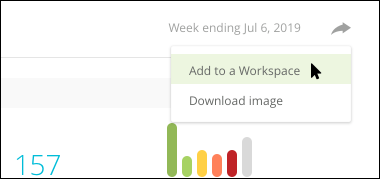
To support your research into location-specific organic performance, the Locations report aggregates and displays location-based rank data for an account. Quickly discover discrepancies in rank across location, review and compare location-specific market share movement, and easily add visually compelling views to Workspaces you can share with executive-level stakeholders.
Then, dig into the underlying data and jump to other supporting reports throughout Conductor.
Overview
Determine the keywords you want to focus on
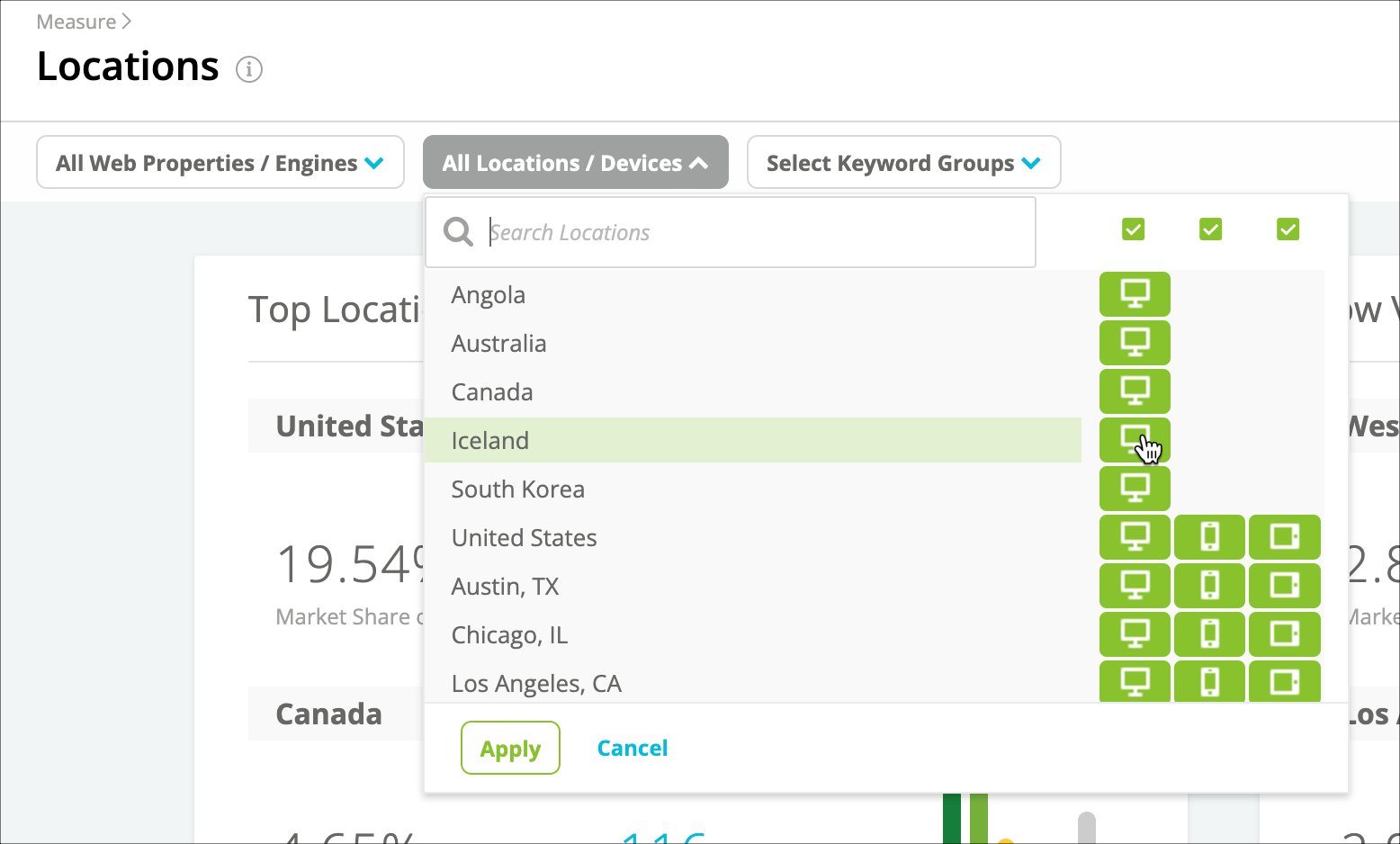
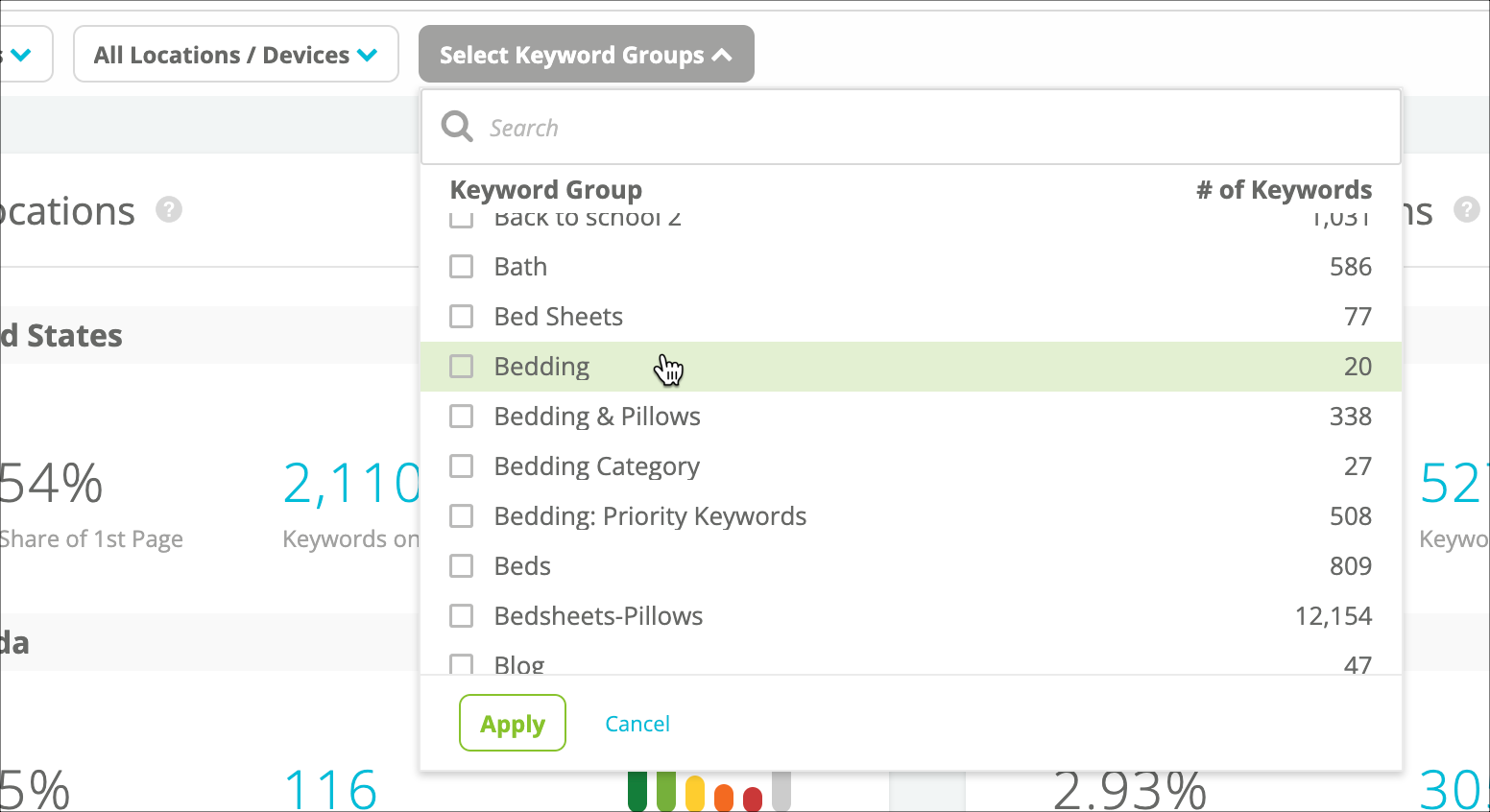
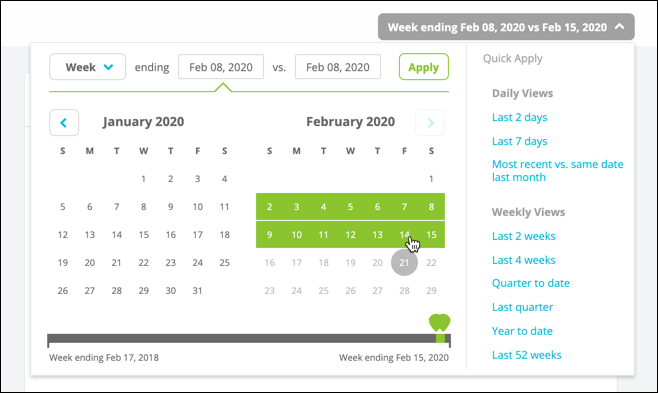
There are a number of ways you can drill down to focus on only those keywords you’re interested in: Select the web property or properties and search engine contexts you want to include in the report.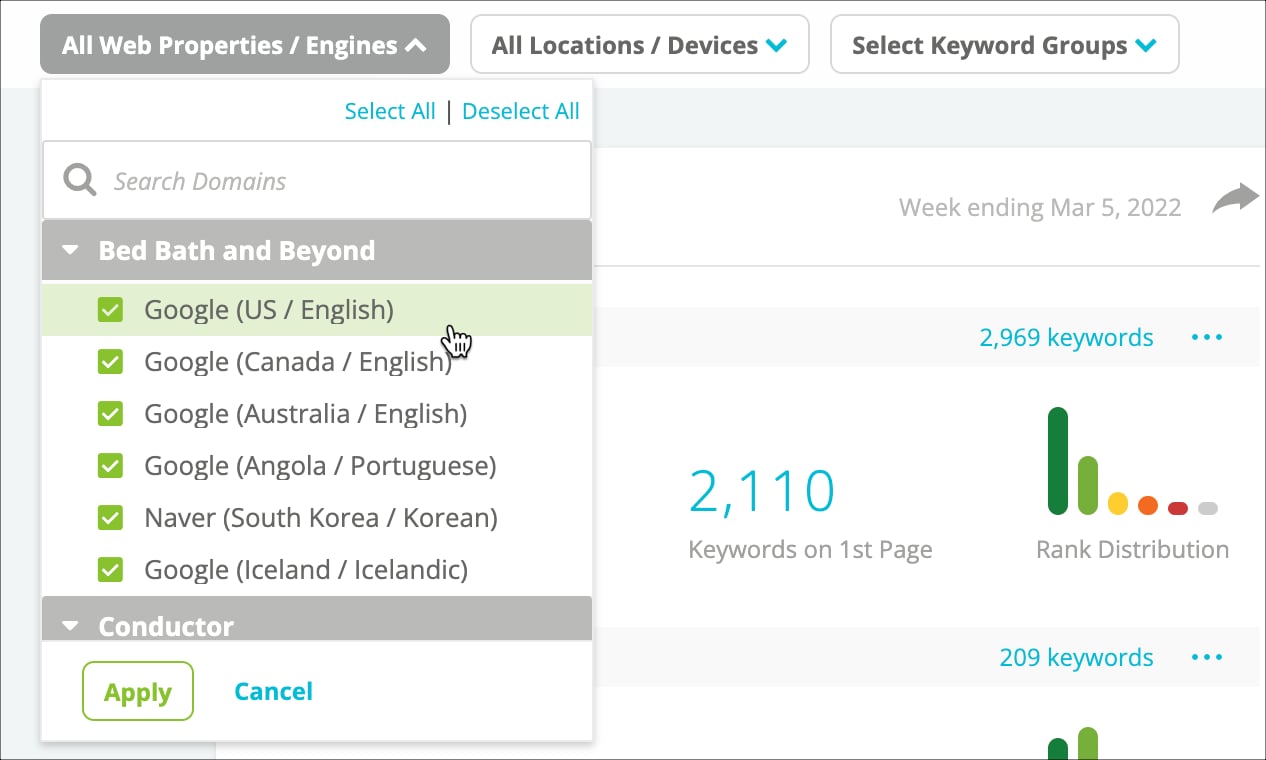
Review the data in the report
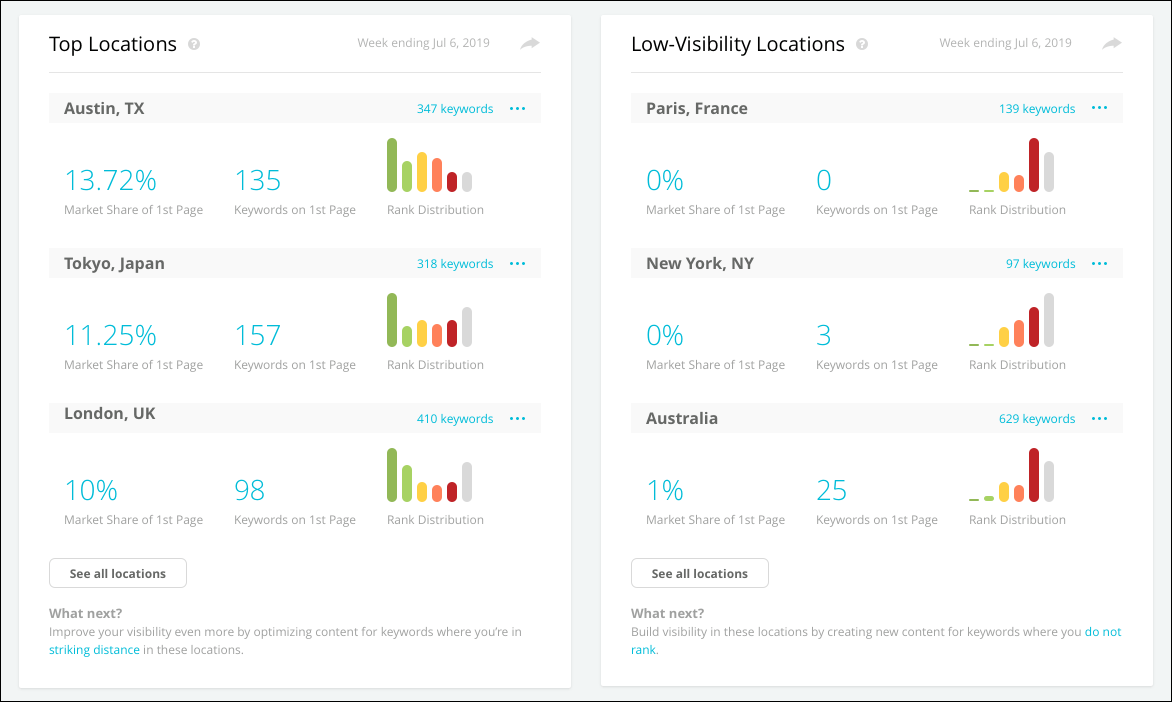
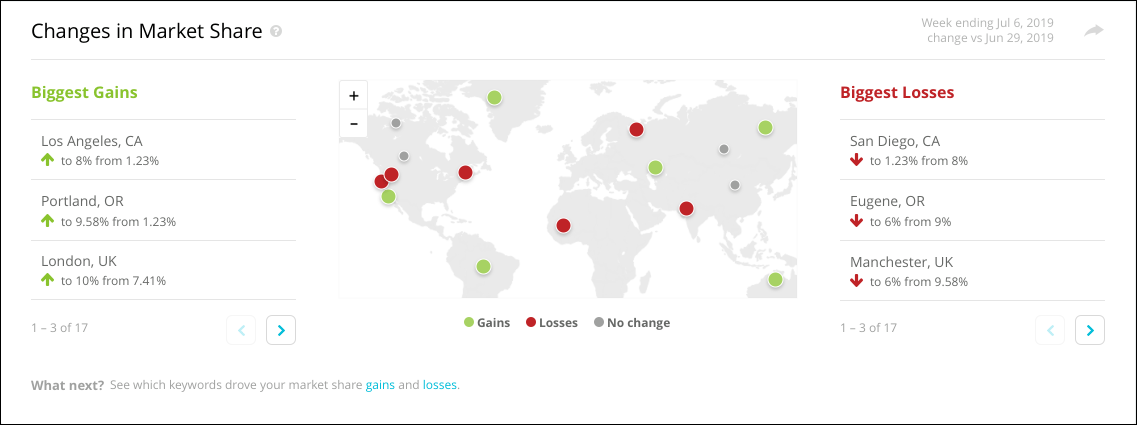
The Top Locations widget and the Low-Visibility Locations widget show the following metrics for your top-performing locations and your lowest-visibility locations in clear, visually engaging summaries:- Your Market Share of Top 10: The percentage of results in the top ten search engine results that your content owns in this location. Note that this represents weighted market share data—we’ll take into account the relevant keywords’ monthly search volume. If the pages have no monthly search volume (or have values of “N/A”), then the market share will appear as 0%.
- Keywords in Top 10: The number of keywords for which your content has results on the first page of search engine results in this location.
- Rank Distribution: Your ownership of results for your tracked keywords between visibility zones in this location.
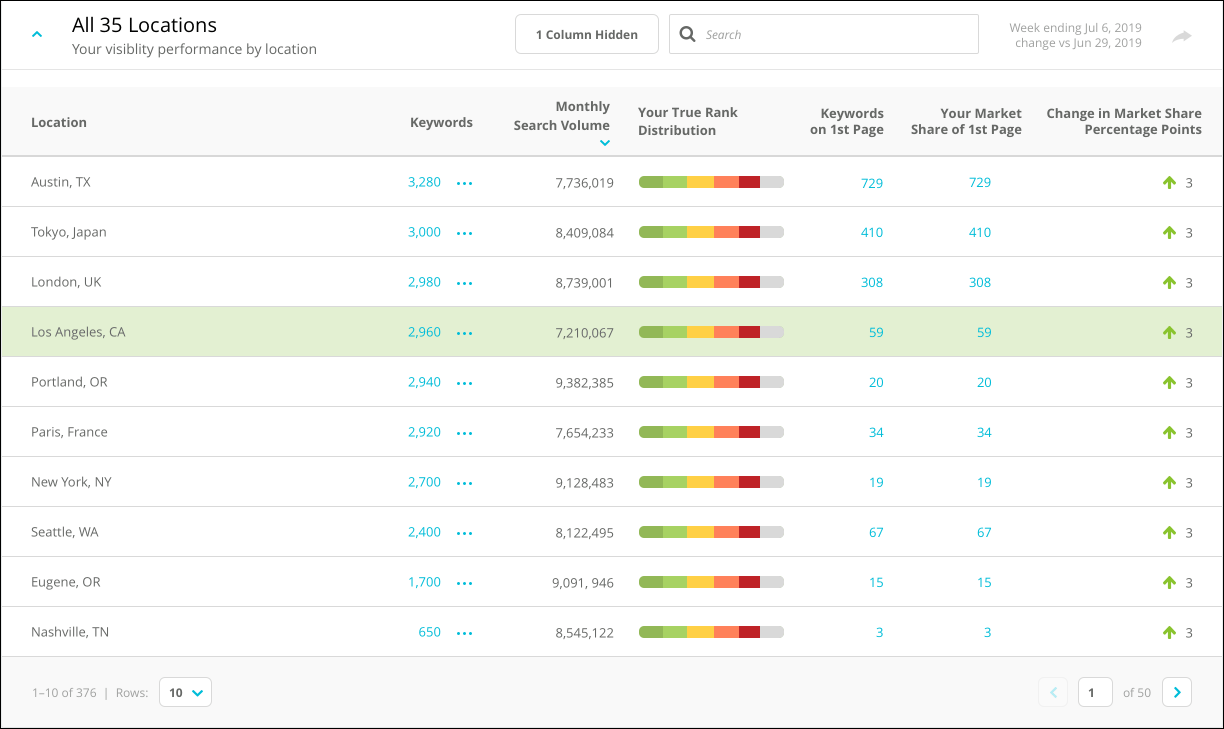
- Keywords: The number of keywords you are tracking for the location.
- Monthly Search Volume: The monthly search volume collectively for all the keywords you are tracking for the location.
- Your True Rank Distribution: Your ownership of results for your tracked keywords across visibility zones in this location.
- Keywords in Top 10: The number of keywords for which your content has results in the top 10 search engine results in this location.
- Change in Keywords in Top 10: The change across the reporting period in the number of keywords for which your content has results in the top 10 search engine results in this location.
- Your Market Share of Top 10: The percentage of results in the top ten search engine results that your content owns in this location. Note that this represents weighted market share data—we’ll take into account the relevant keywords’ monthly search volume. If the pages have no monthly search volume (or have values of “N/A”), then the market share will appear as 0%.
- Change in Market Share of Top 10: The change across the reporting period in the percentage of results you own in this location in the top 10 search engine results. Note that this represents weighted market share data—we’ll take into account the relevant keywords’ monthly search volume. If the pages have no monthly search volume (or have values of “N/A”), then the market share will appear as 0%.
- The Striking Distance keywords your content ranks for at this location.
- The keywords your content does not rank for at this location.