
Keep Every Draft Moving



What Is Content Workflow Management?
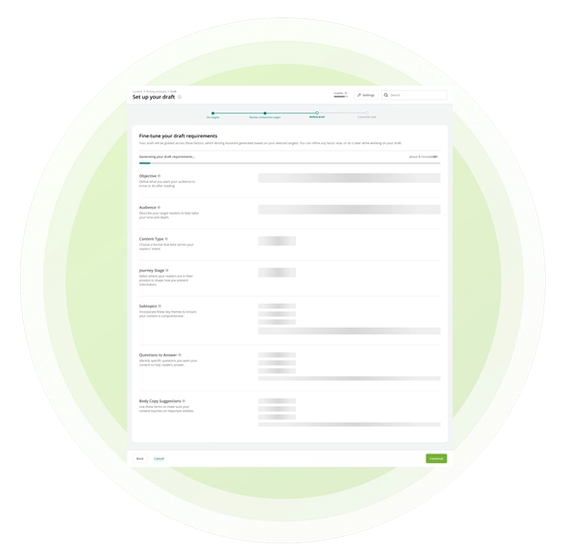
Content Workflow Management organizes Writing Assistant drafts in one shared table. Before opening a draft, your team can see its title, target keyword, assignee, status, creator, last updater, and latest update time.
Inside each draft, assignment and status make ownership and progress visible. Auto-save preserves edits as you work, while version history stores time-stamped drafts that can be reviewed and restored.
Writing Assistant supports content creation and revision, but it does not replace formal approval workflows or publishing permissions. Statuses can signal progress, while final review and publishing remain in your CMS.
Why Draft Visibility Keeps Content Moving
Content slows down when ownership, progress, and revision history are scattered across messages and documents. A shared draft view gives contributors the context they need before they open the work.
- Clarify Ownership: Assign each draft so the team can see who is responsible for moving it forward.
- Make Progress Visible: Use status and recent activity details to understand what is active, what changed, and where attention is needed.
- Preserve Earlier Work: Use time-stamped version history to review or restore an earlier draft when a revision changes direction.
How Conductor Organizes the Draft Lifecycle
Conductor keeps draft management beside the content research, generation, revision, and scoring experience. Your team can coordinate the work without separating the draft from the intelligence shaping it.
- One Shared Draft Table: Review the title, target keyword, assignee, status, creator, last updater, and latest update time across existing drafts.
- Assignment and Status: Set ownership and progress directly on the draft so collaborators share the same workflow context.
- Auto-Save and Version History: Preserve edits as the draft changes, review time-stamped saves, and restore a previous version when needed.
Put Content Workflow Management Into Action
Related Resources and Guides


Did you know?
This page was created using Writing Assistant in Conductor Creator. Learn more:


